Apple released iOS 27 today, and it is the update where Siri finally gets its long-promised AI overhaul. The free download is rolling out now to every iPhone that runs iOS 26, going back to the iPhone 11 and the second-generation iPhone SE.
The headline feature is Siri AI, a rebuilt assistant that can understand what is on your screen, dig through your messages and email, and take action inside apps. It comes with a dedicated Siri app for past conversations.
There is a catch. Siri AI needs an iPhone 15 Pro, an iPhone 16 or something newer. It launches as a beta in English only, and it is not available on iPhone in the EU for now.
Beyond AI, iOS 27 is a polish release. It brings a slider that lets you dial Liquid Glass from fully clear to fully tinted, faster app launches and AirDrop, and a substantial set of new parental controls.
Siri AI: what the new Siri can do
Apple first showed Siri AI at WWDC in June. Craig Federighi, Apple's senior vice president of Software Engineering, called it "a profoundly more intelligent, knowledgeable, and capable Siri." Here is what Apple says it does, based on its release notes.
- Personal context. Siri can search across your messages, email, photos and more to find things like a booking confirmation or an address someone sent you.
- Onscreen awareness. You can ask about what is currently on your screen and have Siri act on it.
- App actions. Siri can do things inside Apple and third-party apps. Reuters reported that Apple says it works with more than 300,000 apps at launch.
- World knowledge. Siri can go to the web for up-to-date answers on almost any topic.
- Siri mode in Camera. Visual Intelligence is built into the Camera app, so you can point at a restaurant bill to split it or at a plate of food to look up nutrition info.
- Write with Siri. Siri can draft, edit or give feedback on text almost anywhere you type. In Messages and Mail, Apple says it adapts to how you write to specific people.
A new voice experience with more natural-sounding voices, plus adjustable expressiveness and pace, is limited to the iPhone Air and iPhone 17 Pro models and later. Apple says it relies on more powerful on-device models.
The dedicated Siri app
Siri now has its own app, which works a lot like a chatbot app. You can go back to an earlier conversation or start a new one. Apple says your history syncs privately across your Apple devices through iCloud.
How to get Siri AI, and the fine print
Siri AI does not necessarily switch on the moment you update. MacRumors reports that you may need to sign up for it after installing iOS 27, which you can do in the Siri section of the Settings app.
Apple's fine print is worth reading before you get excited:
- Languages: English only at launch. Apple says French, Japanese, Korean, Portuguese and Spanish support arrives in October.
- Regions: Siri AI will not initially be available on iPhone, iPad or Apple Watch in the EU. Apple says it is "working hard to find a path forward." It is also not available in China.
- Usage limits: Features that run on Apple's server models, including Siri AI, have daily limits. Apple says expanded access "will be available for a fee in the future."
- Age: Siri AI is not available to users under 13.
For now, MacRumors notes that Siri AI and other Apple Intelligence features are free.
Key takeaway: iOS 27 is free for any iPhone that runs iOS 26, but Siri AI is not. It needs an iPhone 15 Pro or iPhone 16 or later, it is a beta in English only, and it is unavailable on iPhones in the EU. Apple has already signaled that heavier use will eventually cost money.
Liquid Glass gets a slider
Liquid Glass, the translucent design Apple introduced last year, has drawn steady complaints about readability. iOS 27 answers that with a slider in Settings that adjusts the effect from "ultra-clear" to "fully tinted."
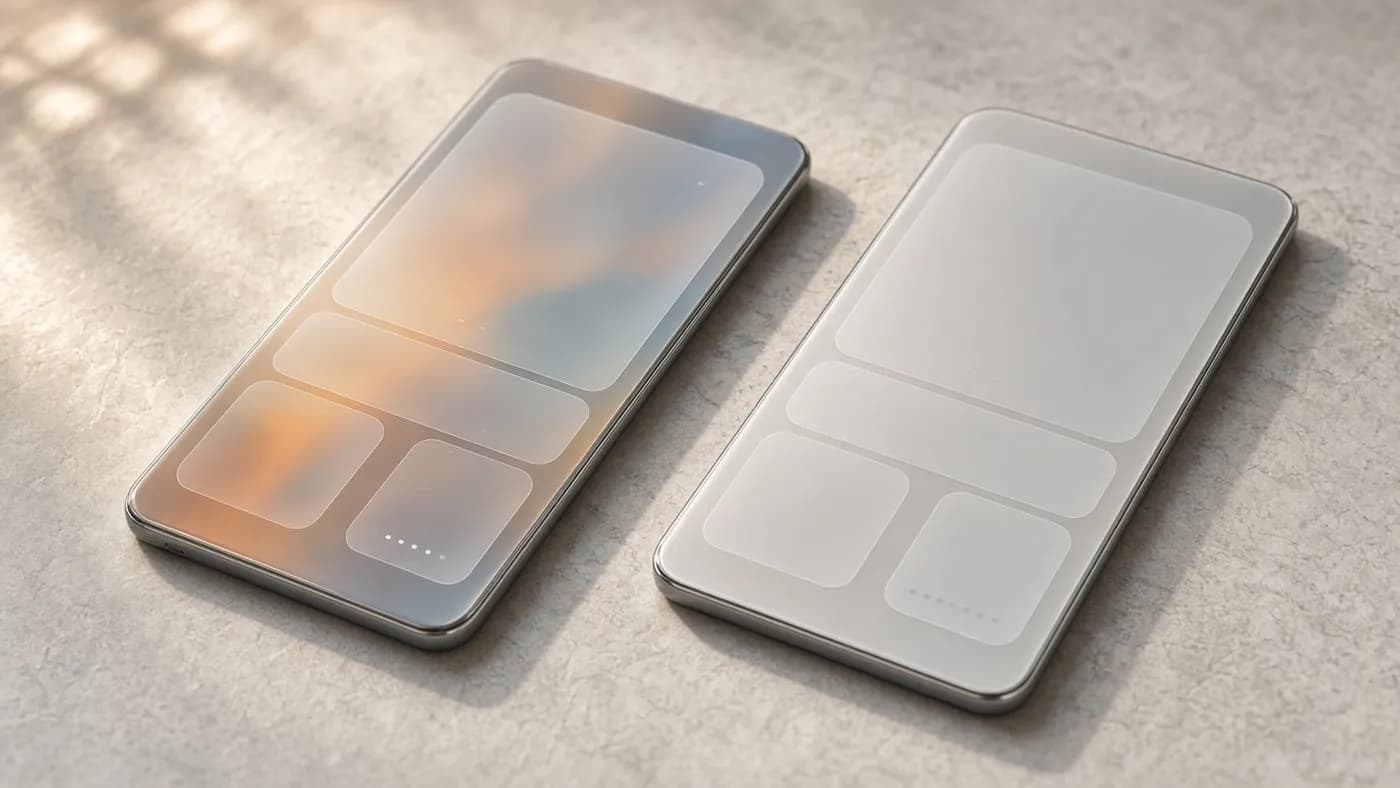
Apple also says it has refined the design to improve readability overall and sharpened app icons. It is not a redesign, but it gives people who disliked the glass look a real way out.
Faster performance
Apple is making specific speed claims for iOS 27, based on its own testing, that are worth tracking in real use:
| Task | Apple's claimed improvement |
|---|---|
| App launches | Up to 30 percent faster |
| New photos loading in Photos | Up to 70 percent faster |
| AirDrop transfers | Up to 80 percent faster |
Apple also says it rebuilt search in Spotlight, Photos and Mail to make it more stable and relevant. A feature called Connectivity Assist is designed to make handoffs between Wi-Fi and cellular smoother.
Photos and Safari get smarter
The Photos app picks up three Apple Intelligence editing tools. Spatial Reframing lets you change a photo's composition after the fact by virtually moving the camera position. Extend fills in realistic detail beyond the edges of an image, useful for straightening a horizon or changing the aspect ratio.
Clean Up can now remove larger objects, and it offers a Fast mode for small blemishes and a High Quality mode for tougher edits. Separately, iCloud Shared Albums now support cross-platform sharing at full resolution.
Safari's upgrades are practical:
- Organize by Topic automatically groups similar tabs using Apple Intelligence.
- Notify Me checks a web page periodically for changes such as a price drop or a restock.
- Describe an Extension lets you create a custom Safari extension by describing what you want in plain language.
Elsewhere, Image Playground now does photorealistic images, and Shortcuts can be built from a written description. The Phone app gains Call Context, which surfaces details like a confirmation number when you call a business.
New parental controls
iOS 27 also includes a major child-safety update, which Apple says is based on guidance from clinical and child development experts. Most of it lives in a redesigned Screen Time.
- App selection at setup. When setting up a child's iPhone, parents can choose exactly which apps the child can use.
- Ask to Browse. Parents can require approval before a child visits any new website in Safari.
- Communication Safety. It now also steps in to block gore and violent content in shared images and videos, in addition to nudity.
- Time Allowances. Parents can set daily limits for Entertainment, Games and Social Media apps. Apple offers suggested limits based on expert guidance and the child's age.
- Schedules. Parents can choose which apps are available at different times of day, with separate weekday and weekend rules.
Which iPhones get iOS 27 and Siri AI?
iOS 27 runs on every iPhone that supports iOS 26. The AI features are much more limited.
| iPhone model | iOS 27 | Apple Intelligence and Siri AI | New Siri voice |
|---|---|---|---|
| iPhone SE (2nd gen and later) | Yes | No | No |
| iPhone 11, 12, 13 and 14 series | Yes | No | No |
| iPhone 15 and 15 Plus | Yes | No | No |
| iPhone 15 Pro and 15 Pro Max | Yes | Yes | No |
| iPhone 16 lineup | Yes | Yes | No |
| iPhone 17 and 17e | Yes | Yes | Not listed by Apple |
| iPhone Air, 17 Pro and 17 Pro Max | Yes | Yes | Yes |
| iPhone 18 Pro and 18 Pro Max | Yes | Yes | Yes |
The iPhone 18 Pro and 18 Pro Max ship with iOS 27 when they launch on September 18. The foldable iPhone Duo arrives on October 23 with iOS 27.1.
How to update to iOS 27
Launch-day demand can slow the rollout, so do not worry if the update does not appear immediately. Here is how to install it:
- Check compatibility. Make sure your iPhone is an iPhone 11 or later, or an iPhone SE (2nd generation or later).
- Back up your iPhone. Use iCloud Backup or connect to a Mac or PC and back up there first.
- Plug in and connect to Wi-Fi. The download is large, and you will want enough battery and free storage.
- Open Settings, then General, then Software Update.
- Choose iOS 27. MacRumors reports that Apple is showing iOS 26.7, a security-only update, as the default. iOS 27 is listed as a separate option at the bottom of the screen.
- Download and install. Tap the iOS 27 option, enter your passcode and let the iPhone restart.
- Sign up for Siri AI. On a supported iPhone set to English, open Settings, go to Siri and look for the option to try Siri AI.
If you would rather wait for early bug fixes, installing iOS 26.7 keeps you on iOS 26 with the latest security patches.
macOS 27 Golden Gate and Apple's other releases
iOS 27 is part of a wider software release today.
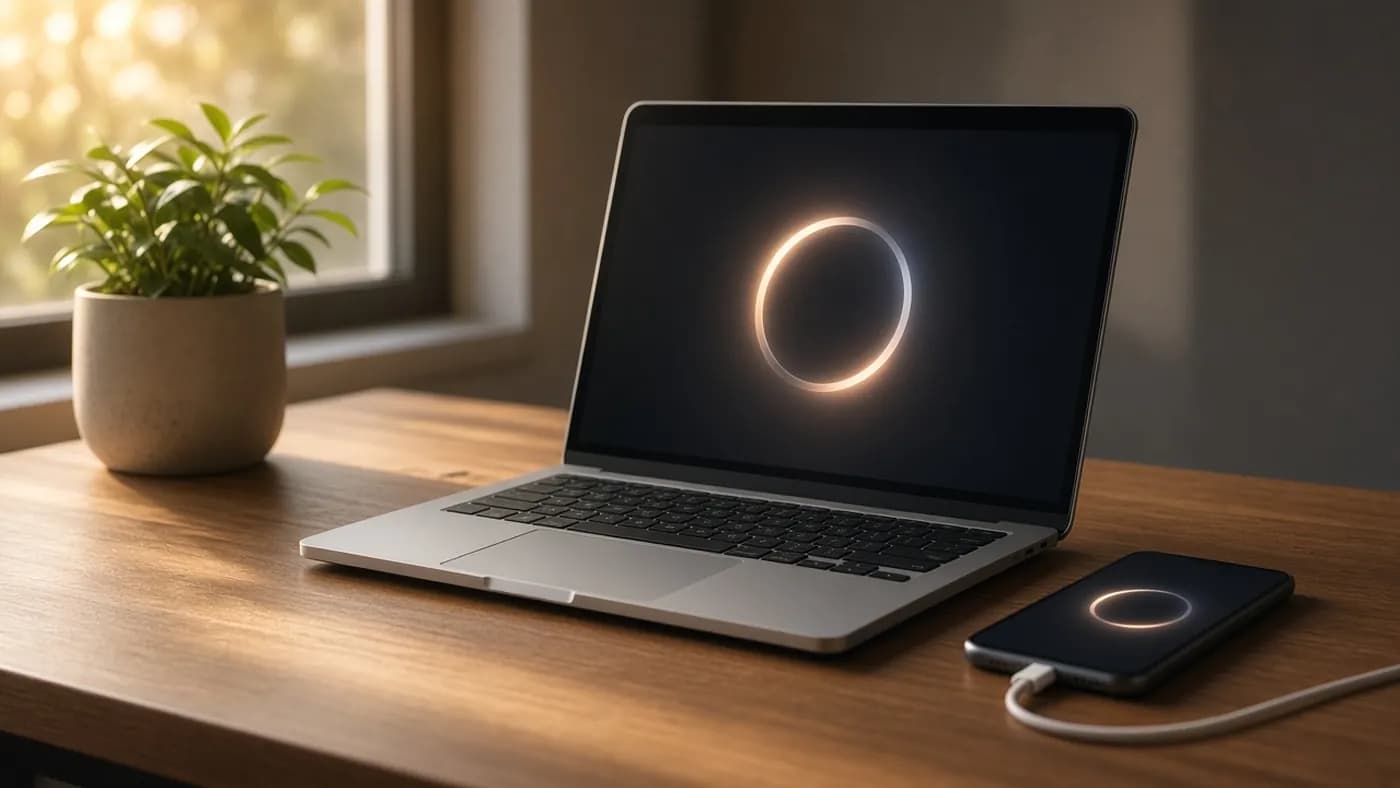
macOS 27 Golden Gate brings Siri AI and the Siri app to the Mac, adds Visual Intelligence to the Mac for the first time, and includes the same Liquid Glass slider. It is the first version of macOS that runs only on Apple silicon Macs, so Intel Macs cannot install it.
It is also the last macOS release with full Rosetta support. Rosetta lets Apple silicon Macs run older Intel apps. MacRumors reports that macOS 28 will drop support for most Rosetta apps, with an exception for some older games, so check your older apps now. Mac users in the EU can use Siri AI when their Mac is set to a supported language.
iPadOS 27 brings the same Siri AI and Apple Intelligence features to M-series iPads and the A17 Pro iPad mini. It installs on the iPad Pro (2nd generation and later), iPad Air (4th generation and later), iPad mini (6th generation and later) and the A16 iPad.
watchOS 27 adds Siri AI and the Siri app to Apple Watch. It supports Apple Watch Series 9 and later, Apple Watch SE 3 and Apple Watch Ultra 2 and later. visionOS 27 also gets Siri AI, while tvOS 27 is a smaller update without it.
FAQ
Is iOS 27 free?
Yes. iOS 27 is a free update for all compatible iPhones. Siri AI and Apple Intelligence are also free for now, but Apple says expanded access to server-based AI features will cost money in the future.
Why don't I have Siri AI after updating?
You need a supported iPhone (iPhone 15 Pro, iPhone 16 or later), and your device and Siri must be set to English. You may also need to sign up in the Siri section of Settings. Siri AI is not available on iPhone in the EU or in China.
Does my iPhone support iOS 27?
If your iPhone runs iOS 26, it can run iOS 27. That includes the iPhone 11 and newer and the iPhone SE (2nd generation and later).
Can I stay on iOS 26?
Yes. Apple released iOS 26.7 alongside iOS 27 with security fixes only. Choosing it keeps you on iOS 26 while still getting security updates.
When will Siri AI support other languages?
Apple says French, Japanese, Korean, Portuguese and Spanish support is coming in October. It has not given a date for other languages.
The bottom line
iOS 27 is the update Apple needed to ship: a Siri that can finally compete as an AI assistant, plus fixes for the Liquid Glass readability complaints and real speed gains. Parents also get meaningful new controls.
The limits are real, though. Siri AI is a beta, English-only at launch, restricted to newer iPhones and unavailable in the EU. How well it handles everyday requests in the next few weeks will decide whether this is Apple's AI comeback or another promise still in progress.
Join the conversation