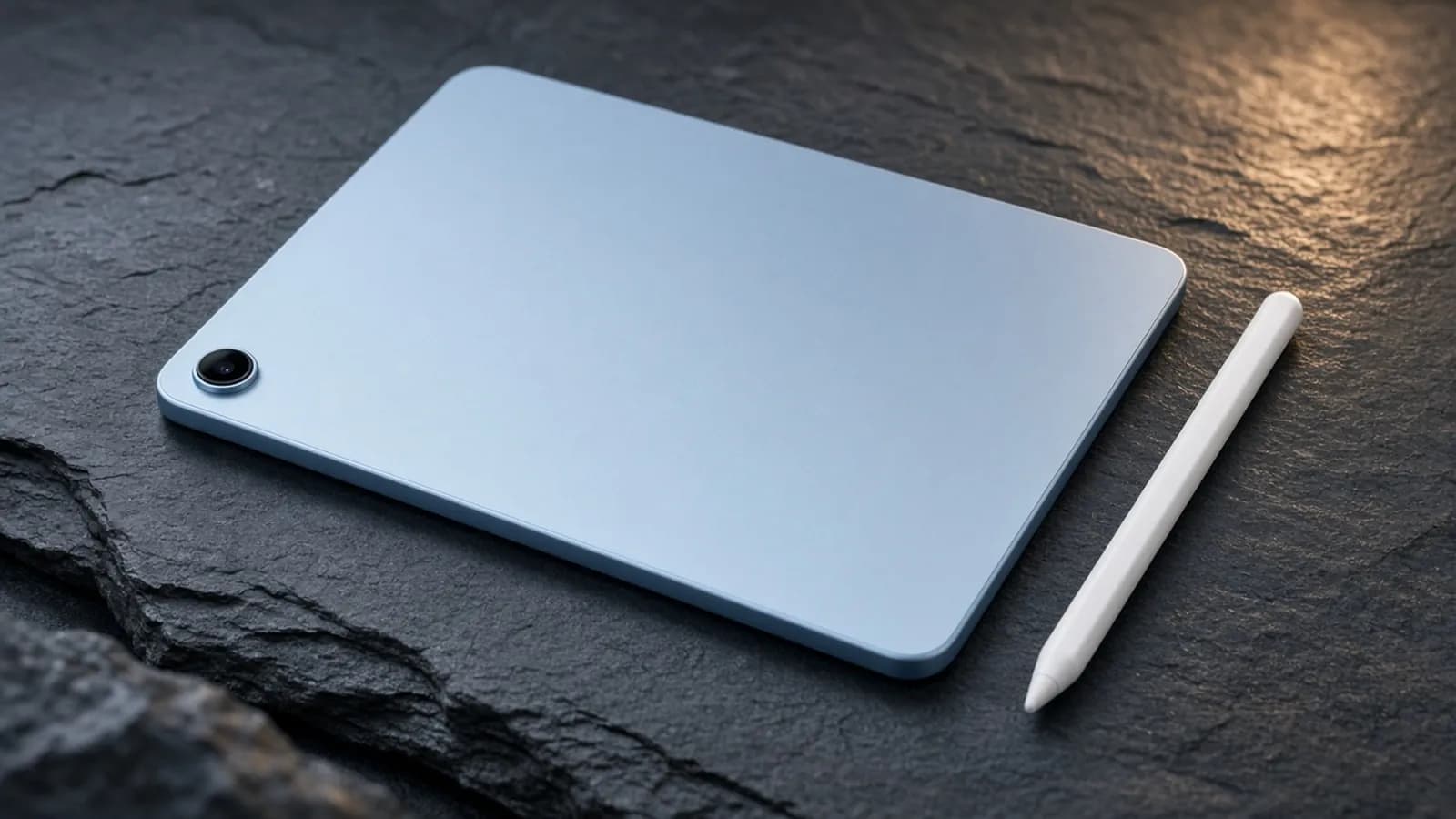
The iPad Air has spent the last few years as the answer to a simple question: which iPad should most people buy? The 2026 model, powered by Apple's M4 chip, keeps that job by doing very little differently. It is faster, it has more memory, and it connects to networks better.
What it does not have is a new screen, a new design, or Face ID. Reviewers at The Verge called it perhaps the most "chip-bump" iPad Air yet, and that is an accurate summary of the hardware story.
The bigger change came months after launch. In late June, Apple raised iPad prices across the lineup, citing soaring memory costs, and the Air now starts at $749 for the 11-inch model and $949 for the 13-inch. That reshapes the value math, and it is the lens we use for this review.
Design and build
Physically, the iPad Air M4 is the same flat-edged aluminum slab Apple has refined since 2020. Both sizes measure 6.1mm thick. Apple lists the 11-inch Wi-Fi model at 464 grams and the 13-inch at 616 grams, with cellular versions adding a single gram.
AppleInsider pointed out that the 11-inch model is a few grams heavier than its predecessor, a change you would need a scale to notice. The 13-inch model remains roughly a pound lighter than a MacBook Air, which matters if you plan to carry it all day.
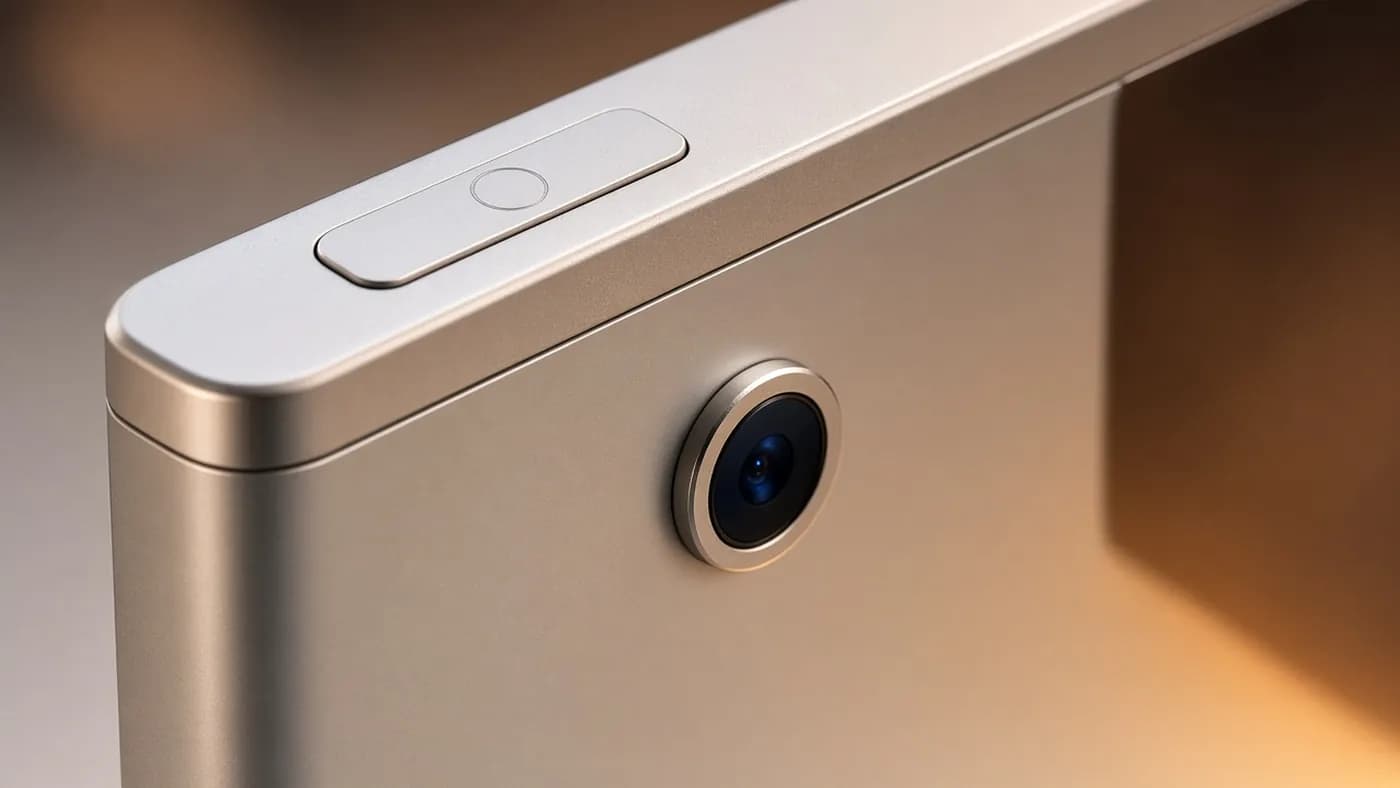
Security is still handled by Touch ID in the top button rather than Face ID. The front 12MP Center Stage camera sits on the long landscape edge, which is where it belongs for video calls with a keyboard attached.
Color options are blue, purple, starlight, and space gray. The enclosure is made with 100 percent recycled aluminum, according to Apple.
Display
This is where the Air shows its age. Both sizes use a Liquid Retina LCD with IPS technology, P3 wide color, True Tone, full lamination, and an antireflective coating. Apple rates the 11-inch panel at 500 nits and the 13-inch at 600 nits.
The resolutions are unchanged at 2360 by 1640 on the 11-inch and 2732 by 2048 on the 13-inch, both at 264 pixels per inch. Engadget noted that the 11-inch screen appears identical to the one Apple introduced with the redesigned Air in late 2020.
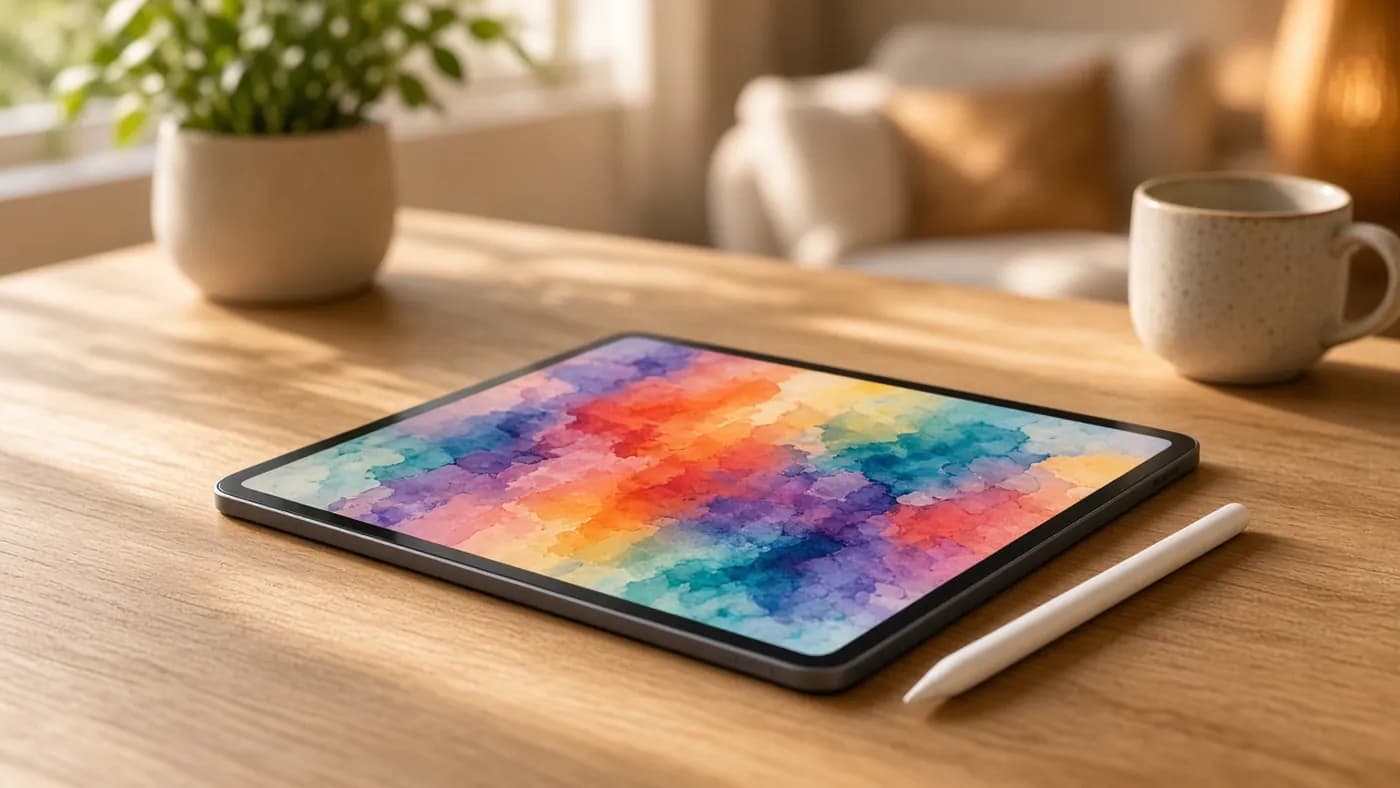
The screen is sharp and color-rich, and most reviewers still like it. The problem is the 60Hz refresh rate. Engadget's reviewer argued that on a device you touch constantly, the missing 120Hz smoothness matters more than it would on a laptop, and we agree.
The iPad Air's display is good, not great. If smooth scrolling and OLED contrast matter to you, the iPad Pro is the only iPad that delivers them.
Performance
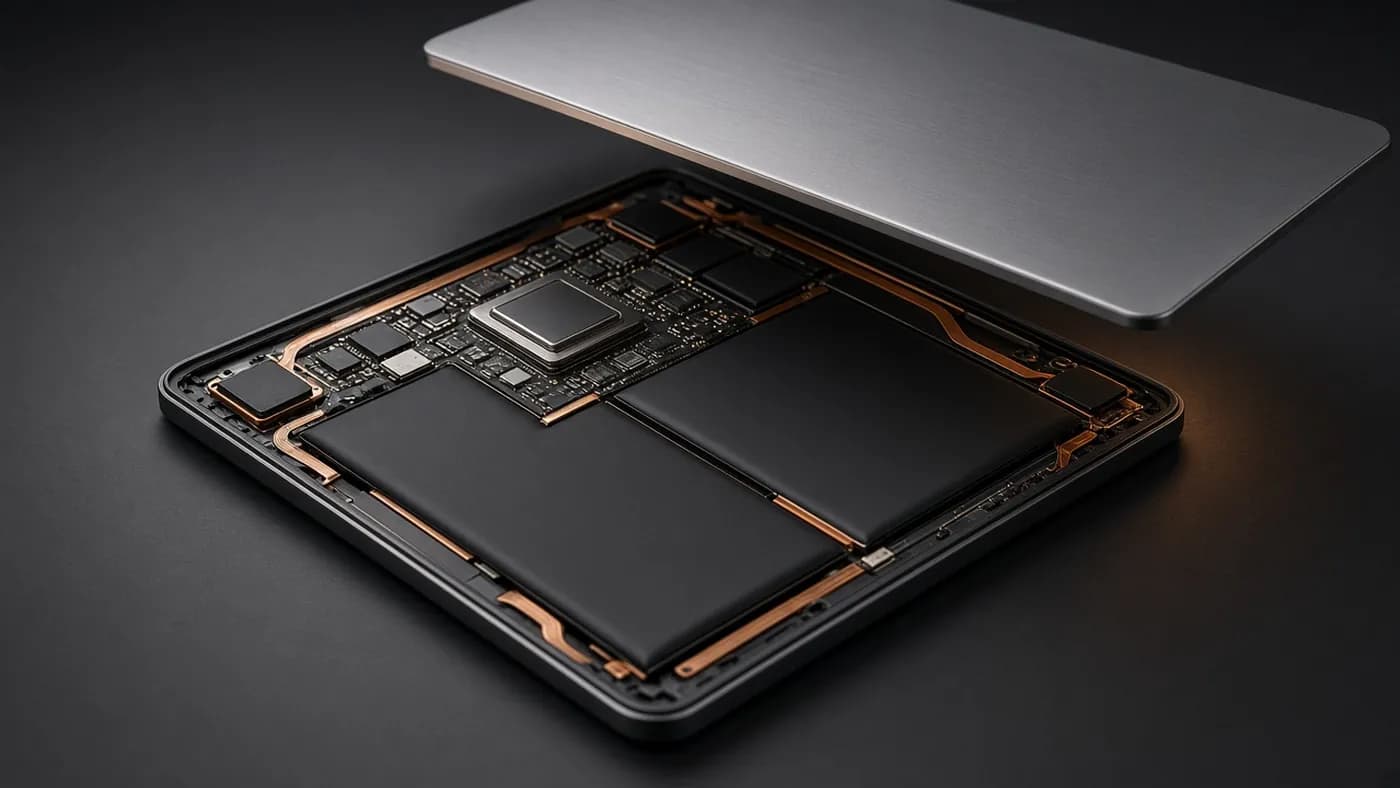
The M4 in the Air uses an 8-core CPU (three performance and five efficiency cores), a 9-core GPU with hardware-accelerated ray tracing, and a 16-core Neural Engine. Unified memory jumps from 8GB to 12GB, and bandwidth rises to 120GB/s.
Apple claims the new Air is up to 30 percent faster than the M3 model and up to 2.3 times faster than the M1 model. Independent testing broadly backs that up, though the size of the gain depends on the workload.
What the benchmarks show
Engadget measured Geekbench 6 gains over the M3 Air of 23 percent in single-core, 12 percent in multi-core, and 39 percent in GPU compute. CNN Underscored recorded a multi-core score of 13,264, about 12 percent above the M3 Air and 32 percent above the 2024 M2 model.
The Verge saw 20 to 25 percent better CPU results and 10 to 15 percent better GPU results. Its reviewer also found the Air benchmarking a hair above the M4 iPad Pro on CPU and a hair below on GPU, despite nominally the same chip.
Tom's Guide found the M4 Air scored nearly twice as high as the M1 Air in Geekbench. That is the upgrade path where the new chip makes a real difference.
Does it feel faster?
For most people, not dramatically. The Verge noted that side by side, the M3 and M4 Airs launched apps and ran demanding games in much the same way. Spotlight search results were the one place its reviewer consistently saw the M4 pull ahead.
The more meaningful change is memory. Trusted Reviews highlighted the jump to 12GB as the upgrade most likely to keep the Air responsive for years, especially as on-device AI features and heavier multitasking in iPadOS 26 demand more headroom.
iPadOS 26 and accessories
The Air ships with iPadOS 26, which brings Apple's Liquid Glass design, a new windowing system, a menu bar, an upgraded Files app, and a Preview app for marking up PDFs. It also supports Apple Intelligence.
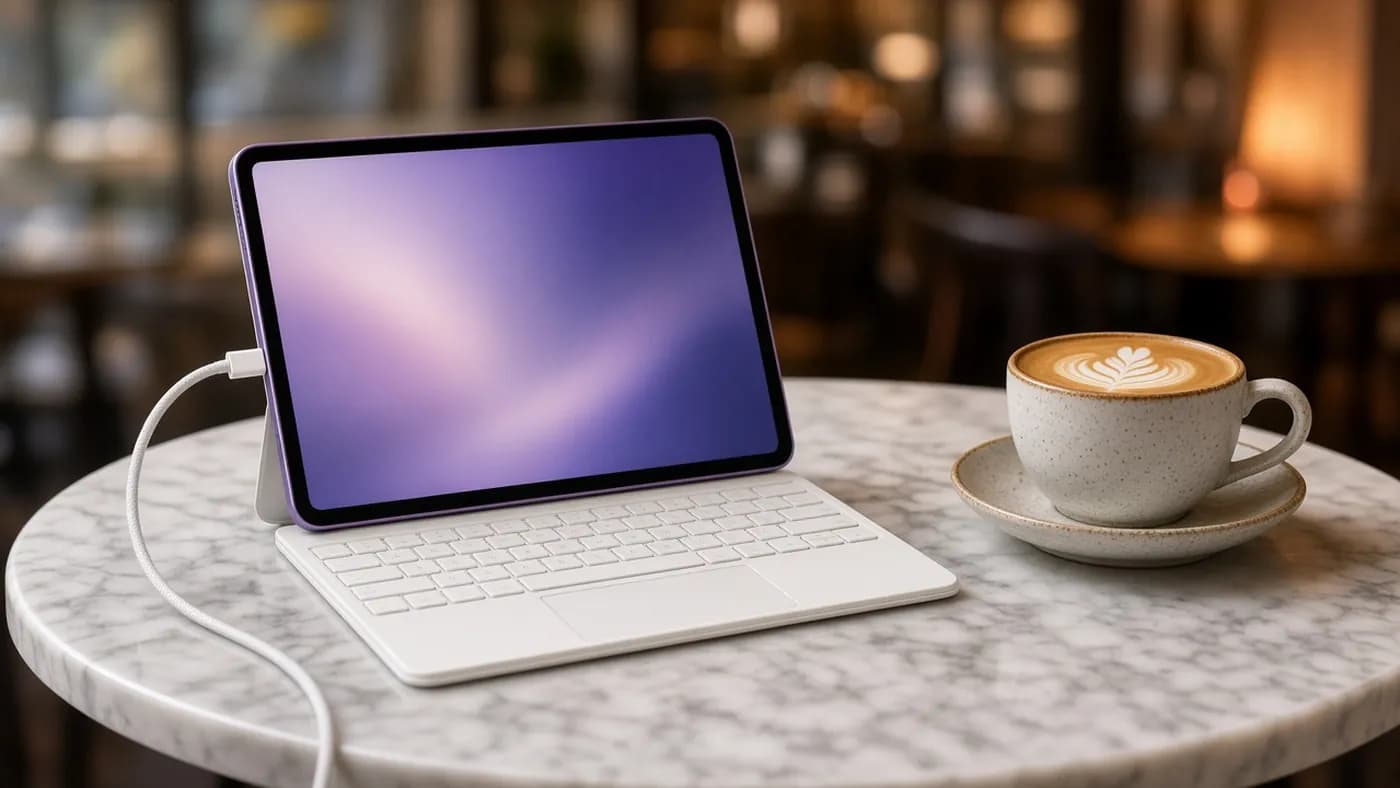
Accessory support is unchanged. The Air works with Apple Pencil Pro and Apple Pencil (USB-C), plus Magic Keyboard for iPad Air with its trackpad and 14-key function row. At launch, Apple priced the keyboard at $269 for the 11-inch and $319 for the 13-inch, and Apple Pencil Pro at $129.
Those accessories add up quickly. A 13-inch Air with keyboard and pencil runs well past $1,300 at current pricing, which puts it in laptop territory.
Battery and charging
Apple rates both sizes for up to 10 hours of web browsing on Wi-Fi or video playback, and up to 9 hours of browsing on cellular. The 11-inch has a 28.93Wh battery and the 13-inch a 36.59Wh cell.
In Tom's Guide's battery test, the 11-inch model lasted 9 hours and 44 minutes. The outlet called that strong but noted that the M1 Air and an older iPad both broke the 10-hour mark in the same test.
In other words, the M4's efficiency gains went into performance rather than longer runtime. It is a full day of moderate use, not two.
Connectivity: the quiet star
Two Apple-designed chips handle wireless duties. N1 brings Wi-Fi 7, Bluetooth 6, and Thread. Trusted Reviews saw a large speed improvement over the M3 Air on a Wi-Fi 7 router, while The Verge, without a Wi-Fi 7 setup, noticed little difference.
The C1X modem in cellular models is more interesting. Apple claims up to 50 percent faster cellular data and up to 30 percent less modem energy use than the M3 Air. The Verge called it "something of a revelation," reporting that it was often faster than recent iPhones and Pixels in weak-signal areas.
Note that 5G support is sub-6GHz only, with no mmWave, as AppleInsider pointed out. For most users that is not a practical limitation.
If you have ever considered a cellular iPad, this is the generation to do it. The C1X modem is the most tangible upgrade in the M4 Air.
How it compares
Apple's June price increase moved every iPad up, so the gaps between models are wider in dollars than they were in spring. Here is how the Air stacks up against its closest alternatives at current list prices.
| Tablet | Starting price | Display | Base storage | Standout feature |
|---|---|---|---|---|
| iPad Air 11-inch (M4) | $749 | 11-inch 60Hz LCD | 128GB | M4 chip in a light body |
| iPad Air 13-inch (M4) | $949 | 13-inch 60Hz LCD | 128GB | Largest screen under $1,000 |
| iPad Pro 11-inch (M5) | $1,199 | 11-inch tandem OLED, 120Hz | 256GB | Face ID, Thunderbolt, ProMotion |
| iPad (A16) | $449 | 11-inch LCD | 128GB | Lowest-cost iPad |
| Samsung Galaxy Tab S11 | $899.99 | 11-inch | 128GB | IP68 rating, Android |
The Pro's advantages are real: an OLED ProMotion display, Face ID, Thunderbolt, LiDAR, and double the base storage. PCMag reports that the M5's GPU is about 1.6 times faster than the M4's. But for note-taking, streaming, light editing, and school work, the Air covers nearly everything for $450 less.
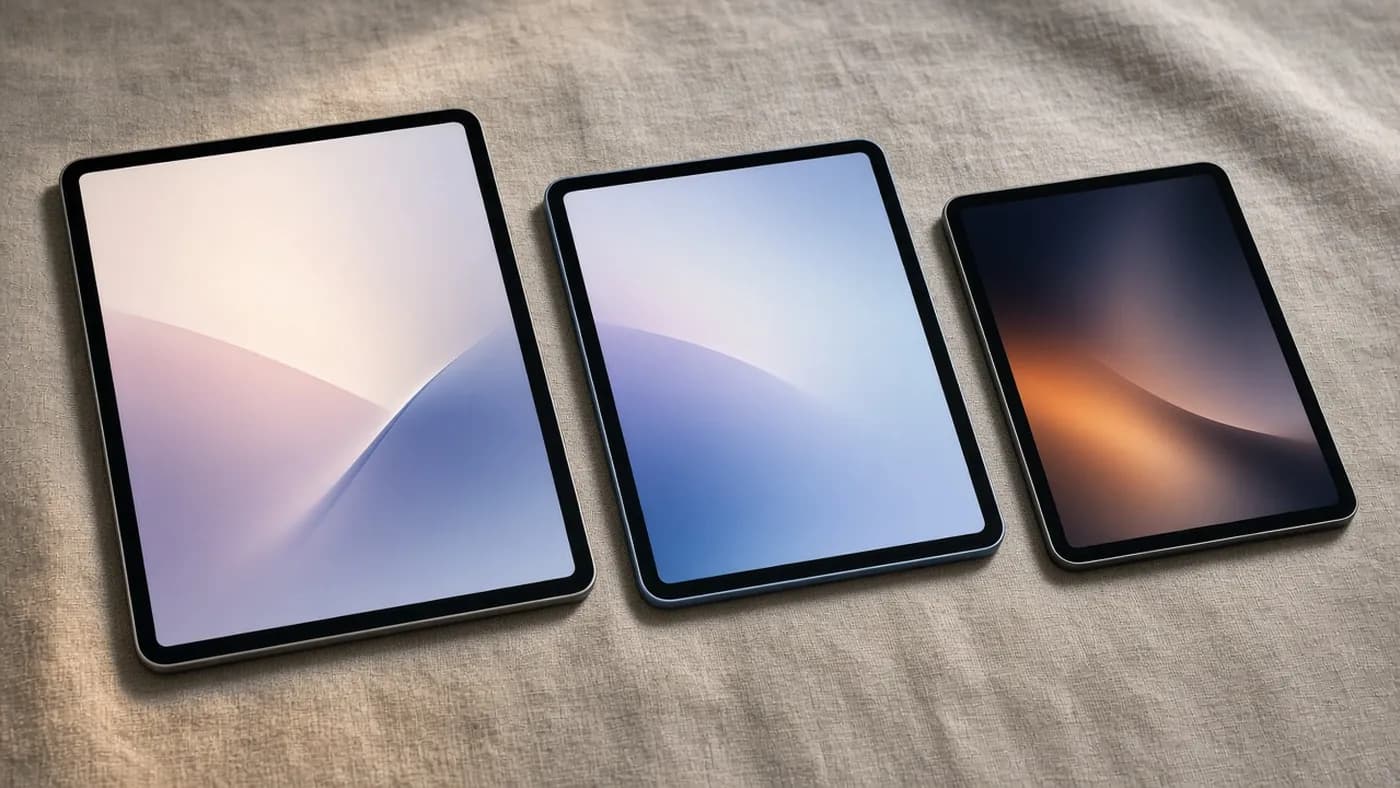
The base iPad is the value pick if you mainly browse and stream, but as Engadget pointed out, its A16 chip dates back to 2022. The Air has far more headroom for the years ahead. Samsung's Galaxy Tab S11 has been discounted as low as $699.99 recently, which makes it a credible Android alternative.
Who should buy it
The iPad Air M4 makes the most sense for owners of an M1 Air or an older non-Pro iPad. Reviewers broadly agreed that M2 and M3 Air owners have little reason to upgrade.
Before you buy, run through this checklist:
- Check for discounts first. Retailers were already selling the 11-inch model below list before the price increase, and deals remain the best way to offset it.
- Pick your size. The 11-inch is the better travel tablet; the 13-inch is worth it if you multitask or draw.
- Budget for storage. 128GB fills up quickly with offline video and creative apps, so consider 256GB if you keep devices for years.
- Decide on cellular. The C1X model adds $150 but delivers the most noticeable improvement in this generation.
- Price the accessories. A Magic Keyboard and Apple Pencil Pro can add close to $400 at launch pricing.
FAQ
Is the iPad Air M4 worth upgrading from an M3 or M2 iPad Air?
Generally, no. Reviewers measured CPU gains of roughly 12 to 25 percent over the M3 model, which is difficult to notice in daily use.
The exception is if you want the C1X cellular modem or the extra memory for heavier multitasking. Otherwise, keep your current tablet.
Does the iPad Air M4 have a 120Hz display?
No. Both sizes use a 60Hz Liquid Retina LCD. Apple reserves its 120Hz ProMotion OLED display for the iPad Pro.
How much does the iPad Air M4 cost now?
After Apple's June 25, 2026 price increase, the 11-inch model starts at $749 and the 13-inch at $949. Both launched in March at $599 and $799, respectively.
Cellular models cost $150 more. Retailer discounts have been common, so check before paying full price.
How long does the iPad Air M4 battery last?
Apple rates it for up to 10 hours of Wi-Fi browsing or video playback. Tom's Guide measured 9 hours and 44 minutes on the 11-inch model, which is enough for a full workday of moderate use.
Final Verdict
The iPad Air M4 is an excellent tablet held back by an aging screen and, since June, a higher price. The M4 chip, 12GB of memory, and C1X modem give it near-Pro capability in a light, familiar body, and it remains the iPad we would recommend to most people.
At $749, though, it is no longer the easy bargain it was at $599. If you can find it discounted, buy it without hesitation; at full price, make sure you actually need more than the base iPad offers.
Join the conversation