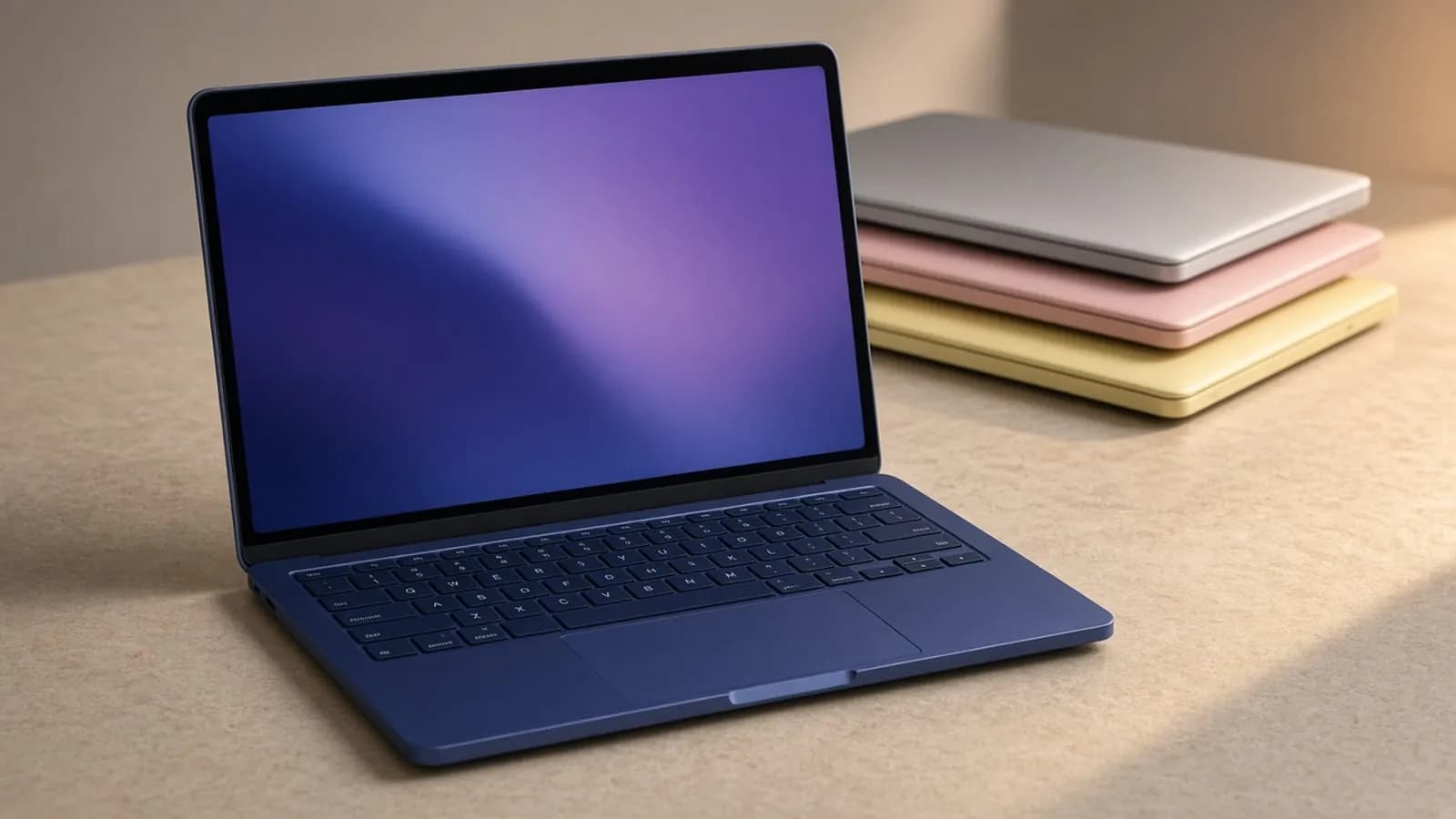
When Apple announced the MacBook Neo on March 4, the headline was the price: a real aluminum MacBook for $599. Five months later, the laptop has proven popular enough that Apple reportedly doubled production, and it has also become $100 more expensive.
Apple raised the Neo's starting price to $699 on June 25, citing a global memory shortage that has pushed up the cost of RAM and SSDs. The 512GB model with Touch ID went from $699 to $799, and education pricing rose from $499 to $599.
So with back-to-school shopping underway, the question has changed. Is the Neo still the obvious pick at $699, or has the price increase opened the door for Windows laptops and Chromebooks? BusiBeee did not test a unit in-house; this review draws on Apple's specs and independent results from The Verge, Tom's Guide, Wired, PCWorld, Macworld, PCMag, and MacRumors.
Design and build
The Neo looks like a slightly smaller, slightly thicker MacBook Air. Apple lists it at 11.71 x 8.12 x 0.50 inches and 2.7 pounds, the same weight as the 13-inch MacBook Air.
It comes in Silver, Blush, Citrus, and Indigo, and each has a color-matched keyboard. Wired said the full-aluminum build feels every bit as premium and sturdy as the MacBook Air, and every major review we read agreed.
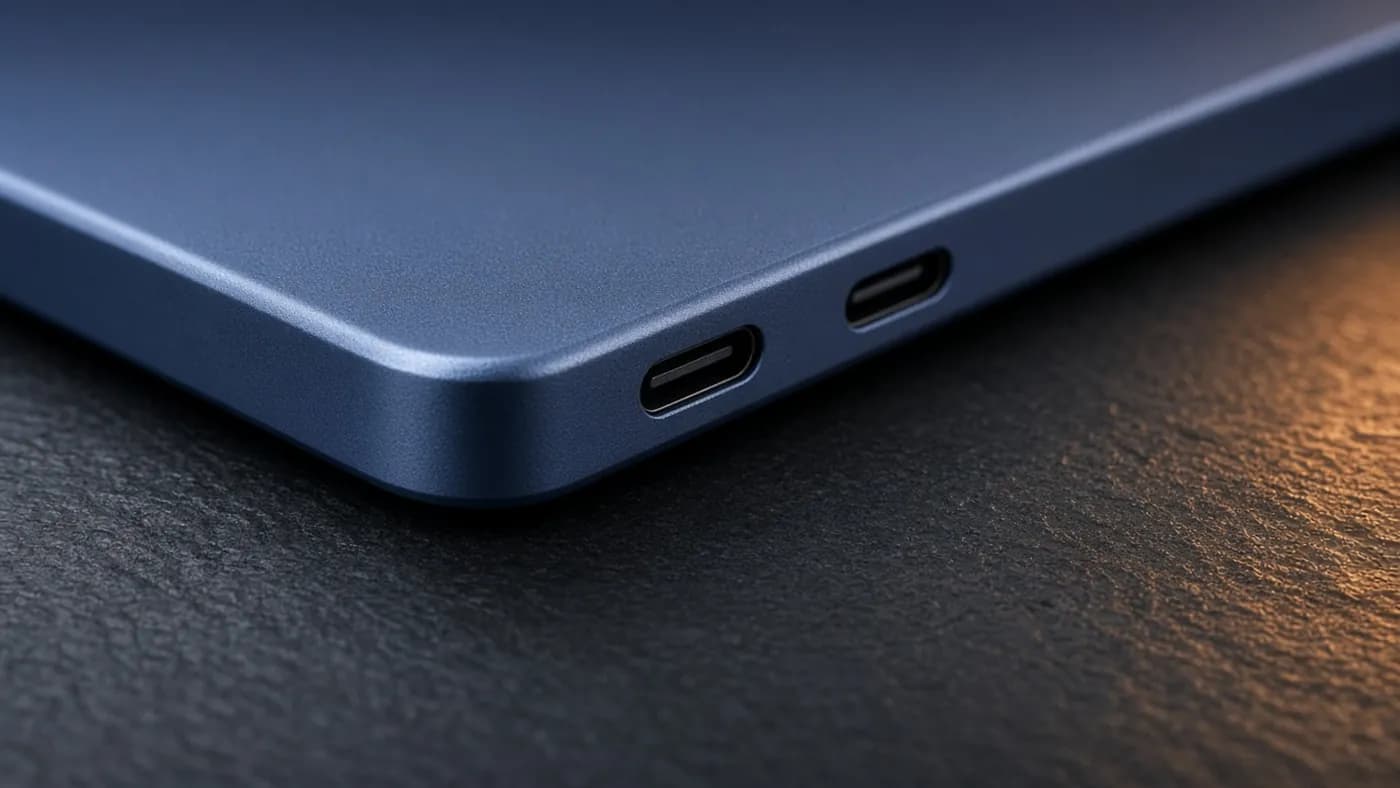
The ports are where the cost-cutting starts to show. There are two USB-C ports on the left, but only the rear one supports USB 3 at 10Gbps and DisplayPort output. The front port is limited to USB 2 speeds of 480Mbps. There is also a headphone jack on the right side.
There is no Thunderbolt and no MagSafe. The Neo drives only a single external display, up to 4K at 60Hz, and macOS warns you if you plug a monitor into the wrong port.
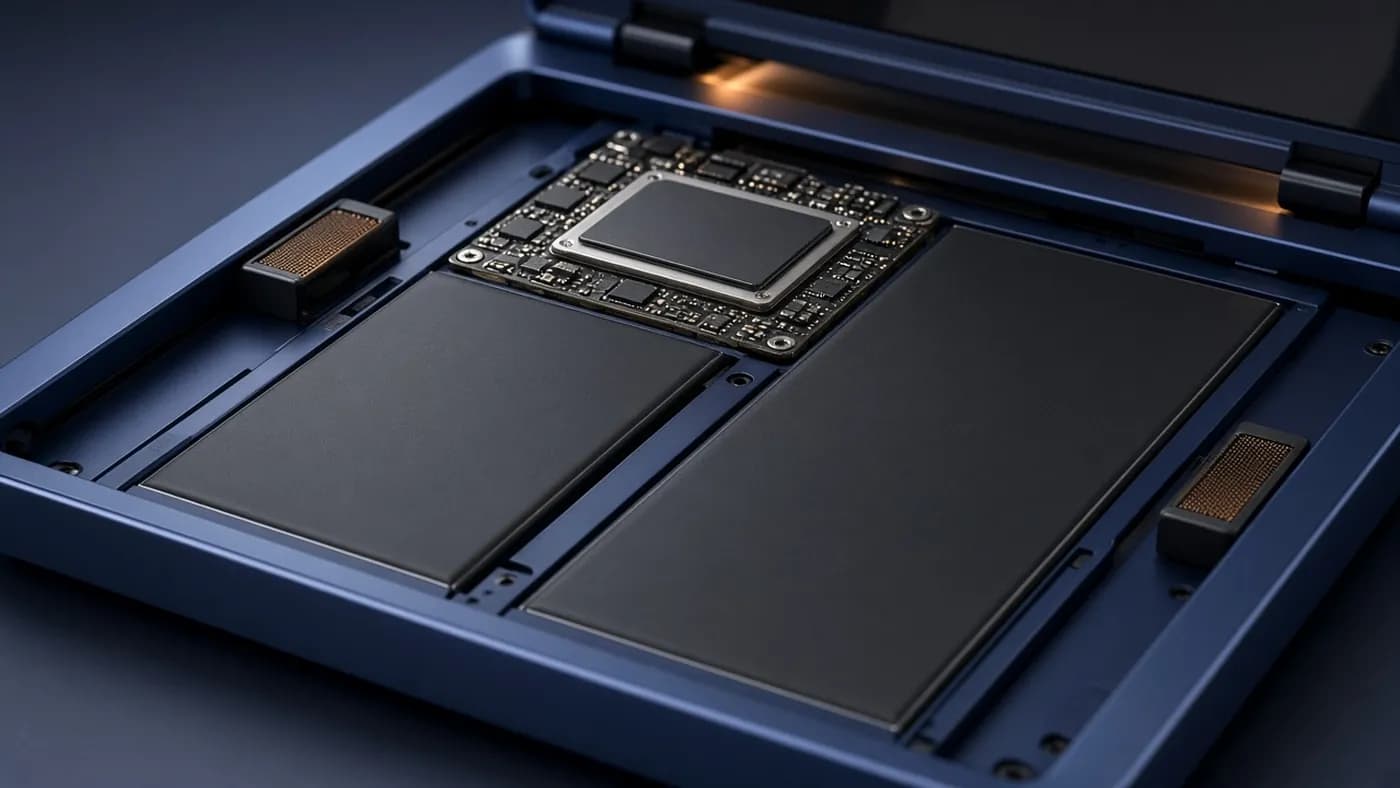
On the plus side, MacRumors reports the Neo is more repairable than other MacBooks. The keyboard can be replaced without swapping the whole top case.
Display
The 13-inch LED-backlit IPS panel runs at 2408 x 1506, or 219 pixels per inch, with a 500-nit rating. Wired's colorimeter measured 509 nits, roughly twice as bright as many budget laptops that top out at 250 to 300 nits.
It is not the same panel as the MacBook Air. It covers only the sRGB gamut, not P3, and lacks True Tone and a high refresh rate. The bezels are thicker, though there is no notch.
For schoolwork, streaming, and web browsing, those omissions barely matter. Serious photo or video editors will notice the narrower color range.

Performance
The Neo is the first Mac to use an A-series chip. It runs the A18 Pro from the iPhone 16 Pro, here with a 6-core CPU (two performance and four efficiency cores), a 5-core GPU, and a 16-core Neural Engine, plus 60GB/s of memory bandwidth.
For everyday tasks, it is fast. Early Geekbench 6 results published by MacRumors showed 3,461 single-core and 8,668 multi-core, compared with 2,346 and 8,342 for the M1 MacBook Air and 3,696 and 14,730 for the M4 MacBook Air.
In Tom's Guide's lab comparison against budget Windows laptops, the Neo led every rival on single-core performance:
| Laptop | Geekbench 6 single-core | Geekbench 6 multi-core | Battery (web, 150 nits) |
|---|---|---|---|
| MacBook Neo | 3,535 | 8,920 | 13 hr 28 min |
| Dell 14 Plus | 2,721 | 10,890 | 13 hr 24 min |
| Lenovo IdeaPad Slim 3x | 2,124 | 10,505 | 16 hr 29 min |
| Asus Vivobook 14 AI | 2,617 | 8,968 | 13 hr 26 min |
Single-core speed is what makes apps open and web pages load quickly, which is why The Verge said the Neo "zips through the light workloads it's designed for." Several Windows rivals win on multi-core scores, which matters more for long exports and big compiles.
Living with 8GB of RAM
The 8GB of unified memory is fixed, and it is the Neo's most debated spec. The Verge found it totally adequate for about 20 Chrome tabs, Slack, Signal, streaming, and music, though the Applications folder sometimes took a second to populate.
Macworld pushed further, opening 59 browser tabs and editing 4K footage in Premiere Pro. Swap usage grew to nearly 8GB, but it reported no stuttering.
Storage is the other bottleneck. Wired measured SSD speeds well behind the competition, which makes large file transfers feel slow, and MacRumors cited read and write speeds of about 1.7GB/s.

Keyboard and trackpad
The Magic Keyboard uses the same scissor-switch design as Apple's pricier laptops, with a full-height function row, and Tom's Guide called it comfy. It has no backlight, which is a real drawback for late-night studying.
The base model also lacks Touch ID; you get it only with the $799 512GB model. The trackpad is a mechanical Multi-Touch design rather than Apple's haptic Force Touch, so it clicks physically and lacks pressure sensitivity, but it still supports all the usual gestures.
Thermals and sustained work
The Neo is fanless, so it is completely silent. The trade-off shows up under sustained heavy load.
One independent tester, J.D. Hodges, found that after five minutes of all-core stress, Geekbench 6 scores fell to 476 single-core and 1,340 multi-core, drops of 85 to 87 percent from a cold start. That is an extreme scenario, but it confirms the Neo is built for bursts of work, not long renders.
Key takeaway: the Neo feels as quick as much pricier laptops for browsing, documents, and light photo editing. It is not the right tool for long video exports, big code builds, or anything that keeps the chip pinned for minutes at a time.
Battery and charging
The Neo has a 36.5Wh battery, and Apple rates it for up to 16 hours of video streaming or 11 hours of wireless web use. Tom's Guide's continuous web-surfing test at 150 nits ran 13 hours 28 minutes.
That beat the Surface Laptop Go 3 (8 hours 39 minutes) and Acer Aspire Go 15 (10 hours 15 minutes), but trailed the Snapdragon-powered Lenovo IdeaPad Slim 3x (16 hours 29 minutes) and the MacBook Air M5 (15 hours 28 minutes). The Verge's mixed real-world day at 75 percent brightness came in just under nine hours.
Apple includes a 20W USB-C charger in the US. There is no fast charging, but MacRumors reports the Neo accepts up to 30W, so a higher-wattage adapter will top it up a bit faster.
Software and Apple Intelligence
The Neo runs macOS Tahoe, supports Apple Intelligence, and works with iPhone features like Continuity and AirDrop. For families already using iPhones, that ecosystem fit is a big part of the appeal.
Apple claims the Neo is up to 50 percent faster at everyday web browsing than the bestselling Windows PC with an Intel Core Ultra 5, and up to three times faster at on-device AI. Those are Apple's figures, but independent single-core results point in the same direction.
Before you buy, run through this checklist:
- Confirm your school or major does not require Windows-only software or more than 8GB of RAM.
- Buy through Apple's education store if you are eligible; it saves $100 on either model.
- Choose 512GB if you store photos or video locally. PCMag found only about 128GB free on the base model after installing macOS and a few creative apps.
- Budget for a USB-C hub if you use USB-A accessories or an HDMI projector.
- Consider Apple's refurbished store, where the base model has been listed at $599.
How it compares
The Neo's real rival is the MacBook Air, which rose to $1,299 in the same June price increase. That makes the gap $600 at full retail.
| MacBook Neo | MacBook Air 13 (M5) | |
|---|---|---|
| Starting price | $699 ($599 education) | $1,299 |
| Chip | A18 Pro | Apple M5 |
| Memory | 8GB | 16GB |
| Display | 13-inch, sRGB | 13.6-inch, P3, True Tone |
| Camera | 1080p | 12MP Center Stage |
| Speakers | Two | Four |
| Keyboard | No backlight | Backlit, Touch ID standard |
| Tom's Guide battery test | 13 hr 28 min | 15 hr 28 min |
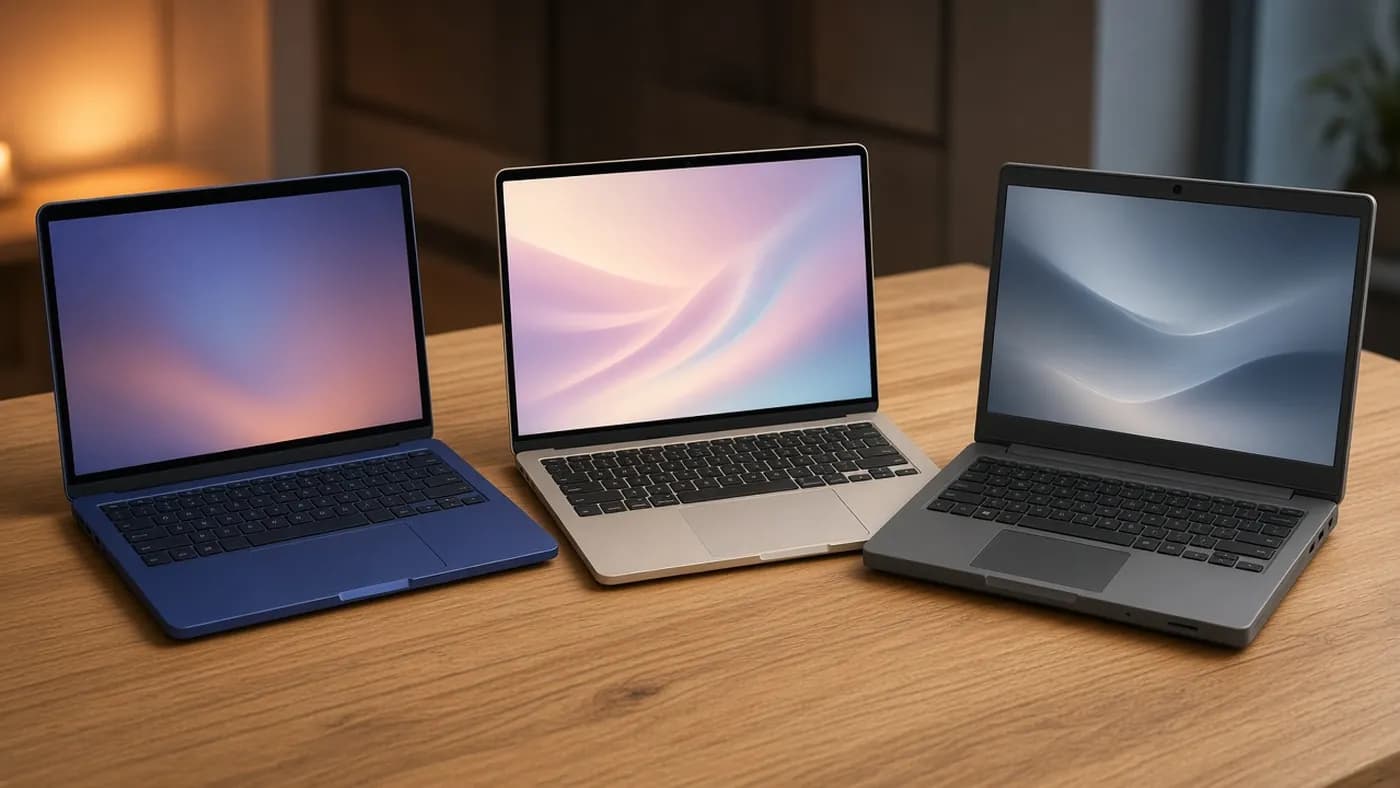
On the Windows side, The Verge compared the Neo with three rivals in its price range: the Lenovo IdeaPad Slim 3x, Acer Aspire 14 AI, and Asus Vivobook 16. It concluded "there's no contest." Those machines offer more RAM, more ports, or longer battery life, but none matched the Neo's combination of build quality, display, and everyday speed.
Who should buy it
The Neo is the right laptop for high school and college students, first-time Mac buyers, and anyone upgrading from an older Intel MacBook or a Chromebook. PCWorld called it the low-cost entry point Intel Mac owners have been waiting for.
Skip it if you edit video seriously, run heavy development tools, play games, or need Windows-only apps for class. In those cases, stretch to a MacBook Air or a Windows laptop with 16GB of RAM.
Key takeaway: at $599 through education pricing, the Neo is an easy recommendation. At $699 retail it is still excellent value, just no longer shockingly cheap.
FAQ
Is 8GB of RAM enough on the MacBook Neo?
For most students, yes. Reviewers at The Verge and Macworld ran dozens of browser tabs, messaging apps, and even 4K video edits without major slowdowns. If you know you need heavy multitasking or professional creative apps, the MacBook Air's 16GB is the safer bet.
Why did the MacBook Neo price go up?
Apple raised prices on June 25, 2026, citing a global memory chip shortage that has driven up the cost of RAM and SSD storage. The Neo went from $599 to $699, and the MacBook Air rose by $200.
Is it worth waiting for a second-generation MacBook Neo?
Recent reports suggest Apple is working on a follow-up with 12GB of RAM and a faster A19 Pro chip, but there is no confirmed release date. If you need a laptop for the fall semester, the current model is a solid buy.
Does the MacBook Neo support an external monitor?
Yes, one external display up to 4K at 60Hz, connected to the rear USB 3 port. It does not support multiple external displays.
Final Verdict
The MacBook Neo is still the laptop we would hand most students this fall. Its aluminum build, bright display, silent operation, and 13-plus hours of tested battery life are rare at this price, and its single-core speed makes everyday work feel quick.
The $100 increase, 8GB ceiling, slow storage, and missing backlight are real compromises. If you can buy at the $599 education price, grab one; at $699 it remains the best value in Apple's lineup.

Join the conversation