The original Steam Controller was one of Valve's boldest ideas and one of its least loved products. It swapped thumbsticks for giant trackpads, skipped a D-pad, and asked players to relearn how a gamepad works. Most did not.
The 2026 Steam Controller keeps the good parts of that experiment and drops the rest. It went on sale on May 4, 2026, for $99 through the Steam store only, weeks before the Steam Machine it was designed to ship with.
We have reviewed the published testing from PC Gamer, TechRadar, Tom's Hardware, and Tom's Guide. The consensus is warm: this is a versatile, comfortable pad that makes a PC easy to run from the sofa, with a few caveats about ecosystem lock-in and component quality.
Design and layout
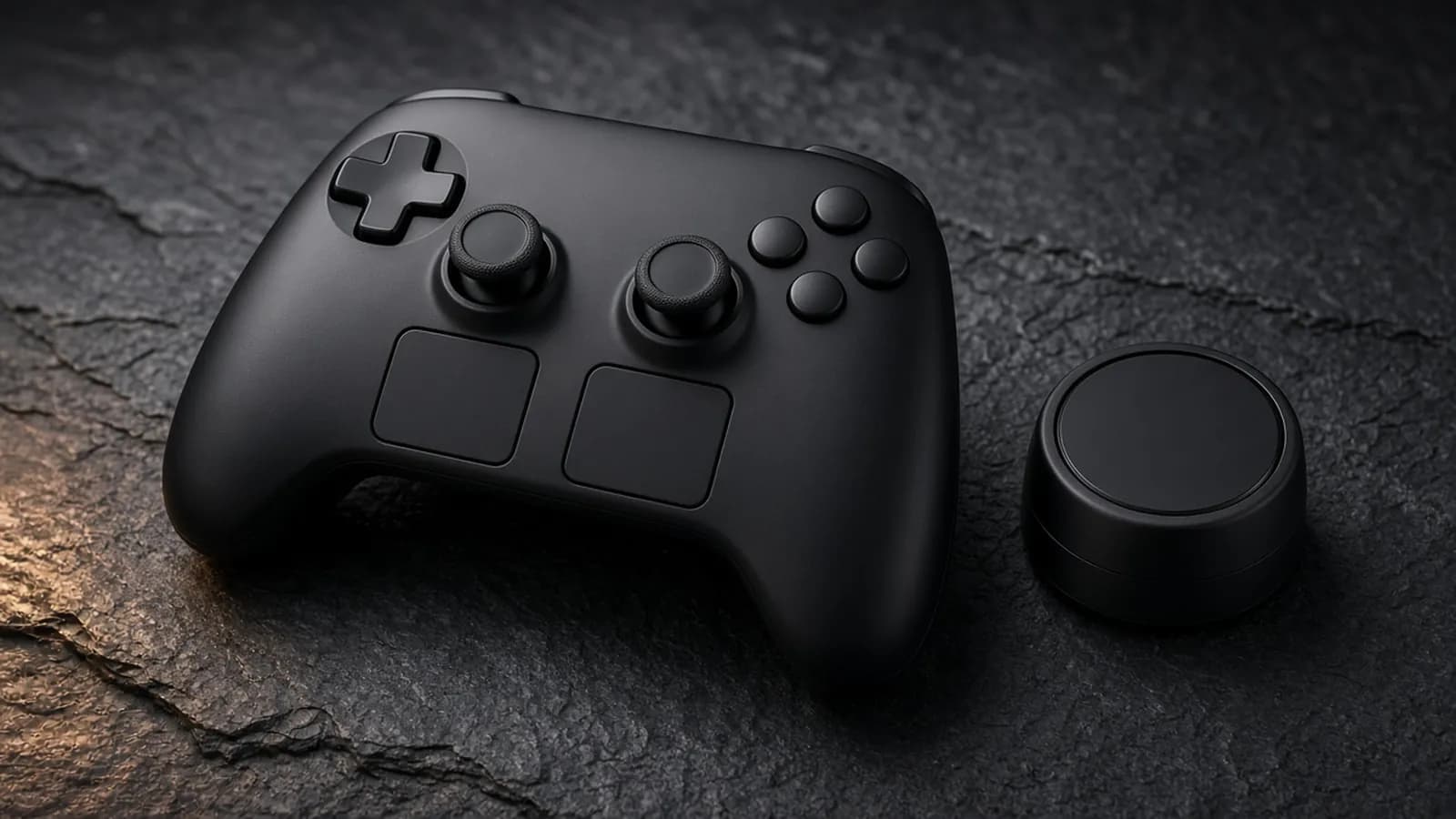
The new controller looks like a Steam Deck without the screen. Tom's Hardware notes the matte black plastic, familiar buttons, and D-pad, and says fans of Valve's handheld will feel at home immediately.
The thumbsticks now sit side by side below the D-pad and face buttons, in a symmetrical layout. TechRadar compares that arrangement to the PlayStation DualSense, and says anyone used to aligned sticks will adapt quickly.
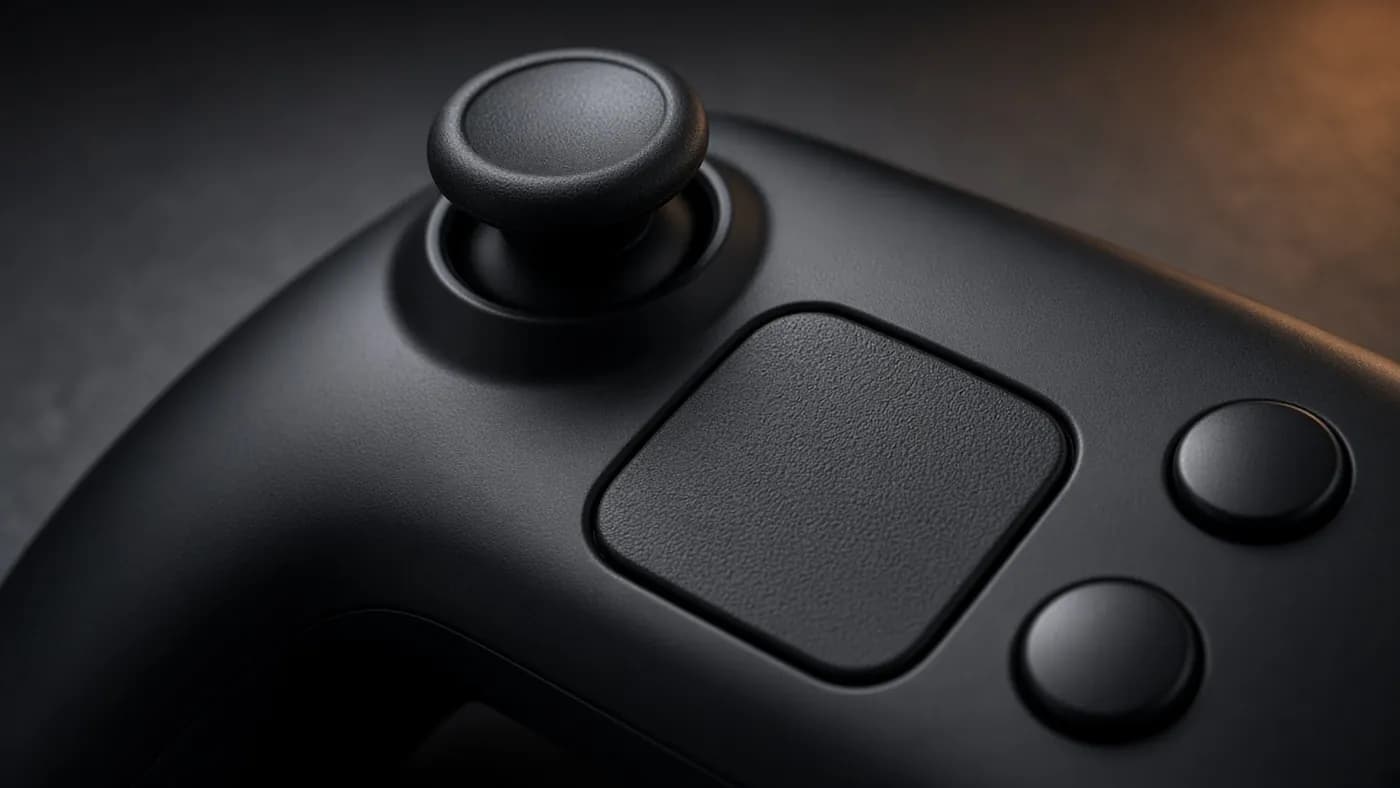
Below the sticks are two square trackpads. Valve's specs put them at 34.5mm each, much smaller than the circular pads on the original, and they now complement the sticks rather than replace them.
PC Gamer points out one ergonomic cost. Because you might use the left stick and right trackpad together, your right thumb moves around more than your left, though the reach is short.
Back buttons and weight
Four remappable buttons sit on the insides of the grips. PC Gamer found them unusually well placed, landing right under the fingers, though it says the lower pair can be pressed by accident.
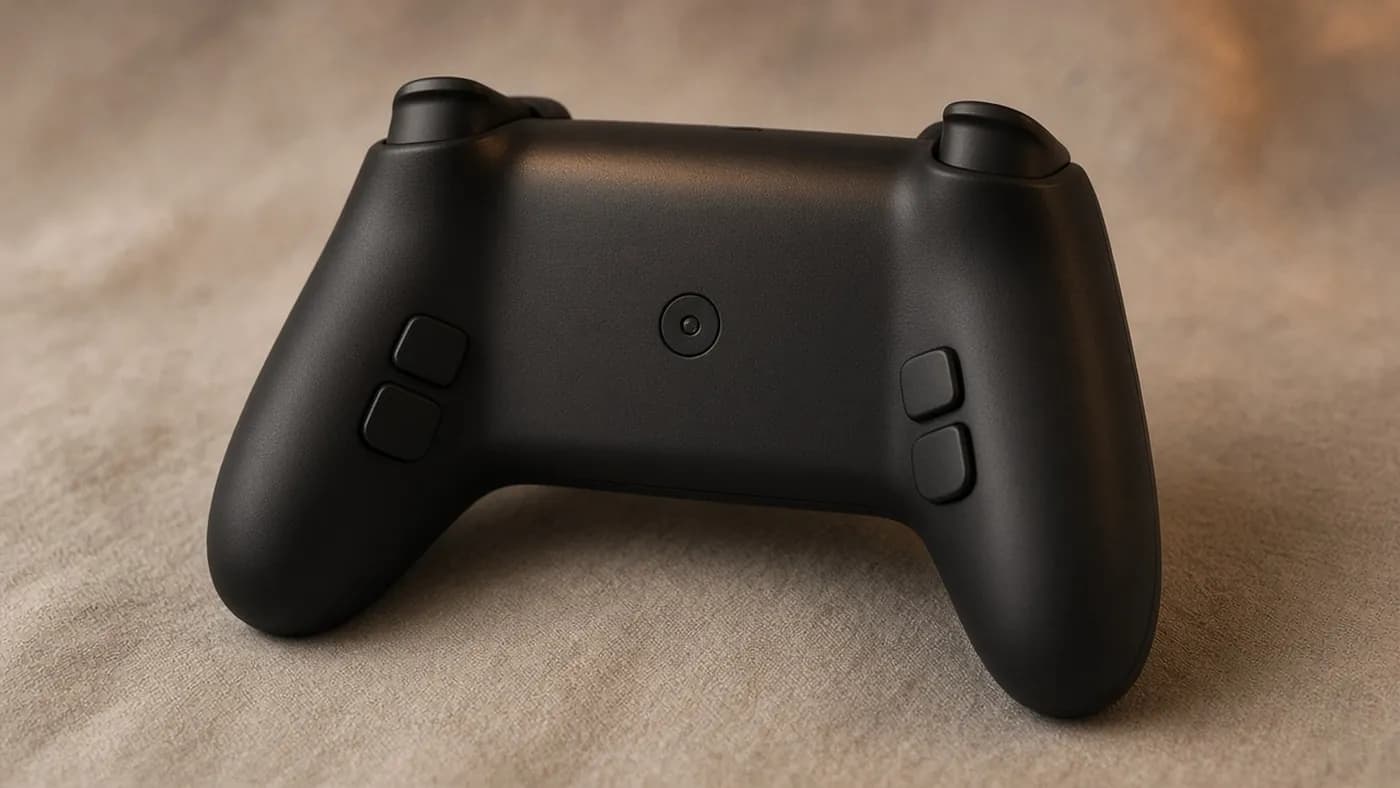
Valve lists the controller at 292 grams, while PC Gamer weighed its sample at 259 grams. Tom's Hardware calls it "a bit weighty" but comfortable, especially for anyone who already loves the Steam Deck.
Inputs: sticks, trackpads, and gyro
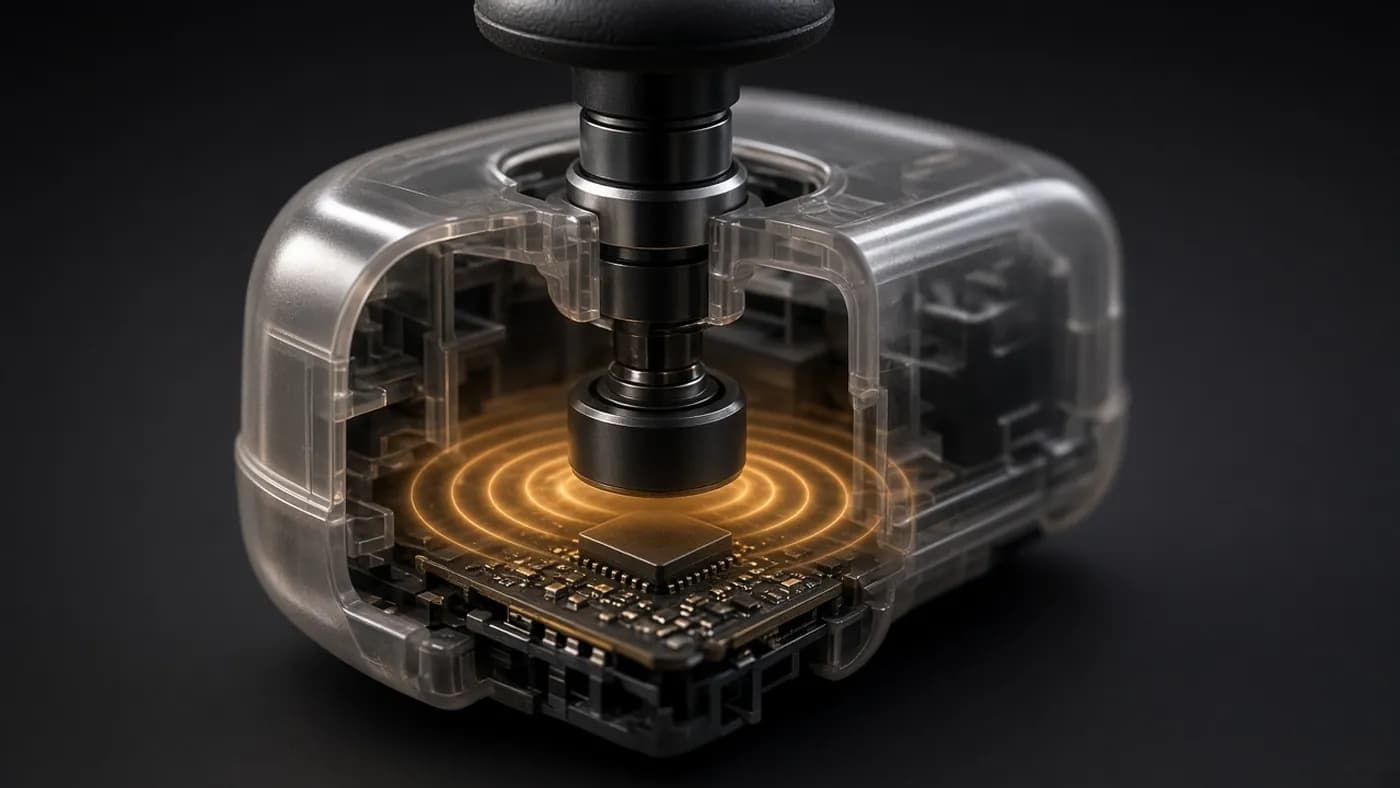
The headline upgrade is the thumbsticks. They use tunneling magnetoresistance (TMR), which reads stick position with magnetic fields instead of physical contacts that wear down, which is the usual cause of stick drift.
TechRadar says the TMR sticks are reliable and responsive, and Tom's Guide says they allow both tiny and large movements seamlessly. The sticks also have capacitive touch, so the controller knows when your thumb is resting on one.
The trackpads are the feature that sets this controller apart. PC Gamer estimates they get you "around 70% of the way" to a mouse, which it considers plenty for strategy games, RPGs, and browsing the desktop.
Gyro aiming ties it together. By default the gyro only activates when your thumb is on the right stick or trackpad and your hands are on the grips, thanks to Valve's Grip Sense capacitive zones. PC Gamer calls itself a "gyro control convert" and says it was more accurate on the desktop than with the trackpads.
The combination of trackpads and gyro is what justifies the $99 price. No mainstream gamepad makes a Windows or SteamOS desktop this easy to use from across the room.
Buttons, triggers, and haptics
The rest of the hardware is more ordinary. PC Gamer describes the face buttons as standard membrane switches and the D-pad as stiff but stable. The triggers use Hall effect sensors, but PC Gamer calls them "nothing special."
Four haptic motors, two under the trackpads and two in the grips, handle feedback. Tom's Guide notes the trackpads vibrate with every click and swipe, which helps them feel less like dead plastic.
Connectivity and latency
The small Steam Controller Puck does three jobs. It is a 2.4GHz wireless receiver, a magnetic charging dock, and a pairing hub that PC Gamer says can connect up to four controllers.
Valve rates the Puck connection at about 8ms end to end with a 4ms (250Hz) polling rate. PC Gamer lists that 250Hz rate as a weakness, since many budget pads now offer 1,000Hz, but it will not matter for most couch play.
You can also connect by Bluetooth or a USB-C cable. TechRadar gently steers readers away from Bluetooth on Windows 11, and the Puck is the better experience anyway.
Battery and charging
Valve rates the 8.39Wh battery for more than 35 hours. None of the reviewers we read managed to run it flat; PC Gamer checked after eight hours of use and found the indicator still fully green.
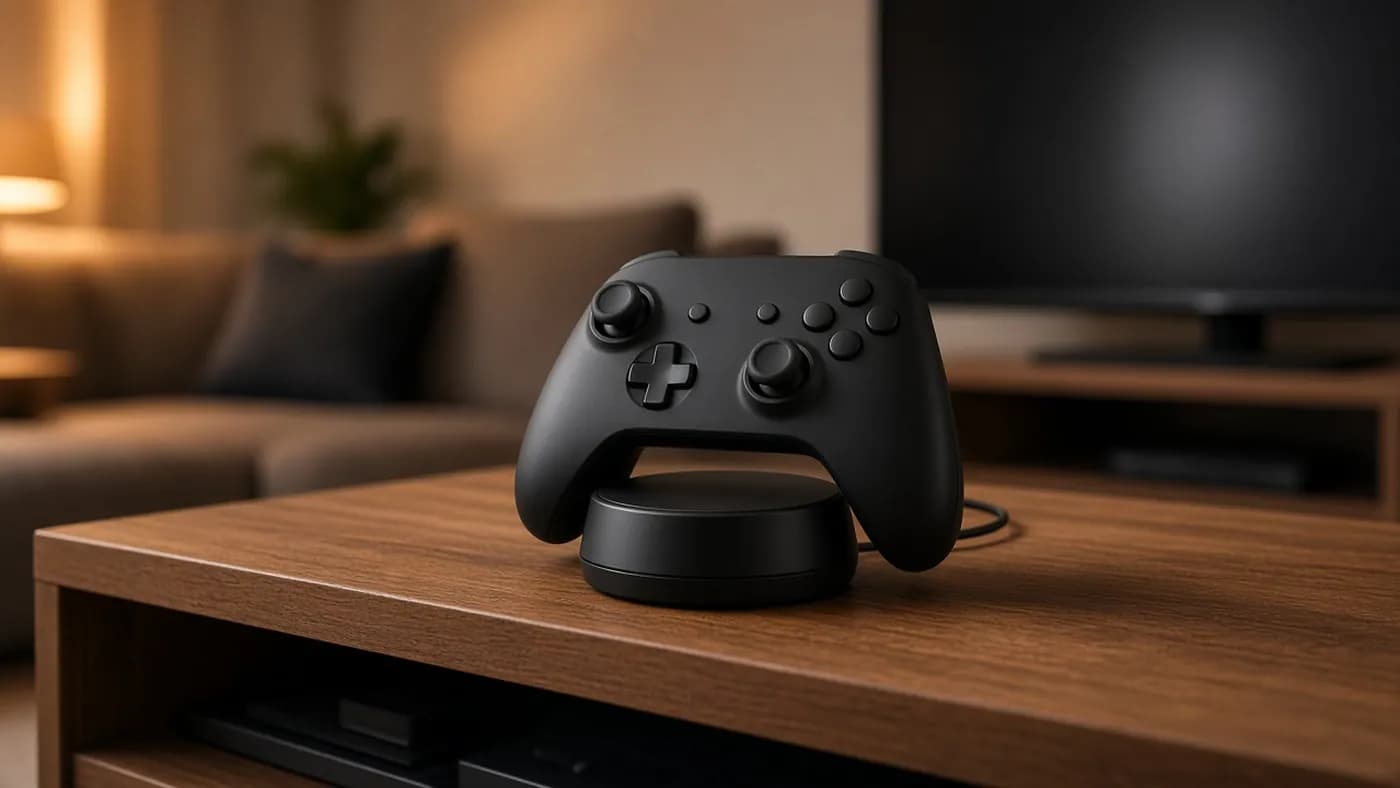
The magnetic Puck makes battery life a non-issue for most people. Set the controller down on it after each session and it charges while staying paired. TechRadar singles out how convenient the Puck is, and PC Gamer suggests many owners may never see the end of a charge.
Software and compatibility
Steam Input is both the controller's greatest strength and its main limitation. Every button, trackpad, and gyro behavior can be remapped per game, and because the controller has input parity with the Steam Deck, Deck community layouts work too.
The flip side is that the controller wants Steam to be running. PC Gamer found it would connect to an iPhone over Bluetooth but was not recognized in GeForce Now, while Steam Link worked well. It also struggled with Kingdom Come: Deliverance II launched through the Epic Games Launcher.
Tom's Guide lists the lack of support for other launchers and consoles as its main complaint, and TechRadar says console players should look elsewhere. There is also no headphone jack.
Getting set up
A few steps get the most out of it on day one:
- Plug the Puck into your PC or Steam Machine and place it where you normally set the controller down.
- Open Steam's Controller settings and confirm the Puck shows as paired.
- Edit the desktop layout to set up the right trackpad and gyro for mouse control.
- Browse community layouts for your favorite games, including Steam Deck layouts.
- Swap gyro activation to the left side in settings if you are left-handed.
Repairability and build quality
Valve built this controller to be opened. PC Gamer completed a full teardown in about 15 minutes with Torx 5 and Torx 6 bits, a spudger, and tweezers. Valve told PC Gamer it plans to sell spare parts through iFixit after launch.
Tom's Hardware reports Valve has also released CAD files for the controller and the Puck. Build quality is not flawless, though: one of PC Gamer's two samples had a squeaky trigger and the other a slightly misaligned shell.
How it compares
At $99, the Steam Controller sits in the middle of the market. TechRadar notes it costs almost twice as much as its top PC pick, the 8BitDo Ultimate 2, but well under pro controllers like the Xbox Elite Series 2.
| Controller | Price | Trackpads | Best for |
|---|---|---|---|
| Valve Steam Controller (2026) | $99 | Two square haptic pads | Couch PC gaming inside Steam |
| 8BitDo Ultimate 2 | $59.99 | None | Budget PC play |
| Sony DualSense | $69.99 | One center touchpad | PlayStation games and PC ports |
| Xbox Elite Series 2 | $179.99 | None | Pro-style customization |
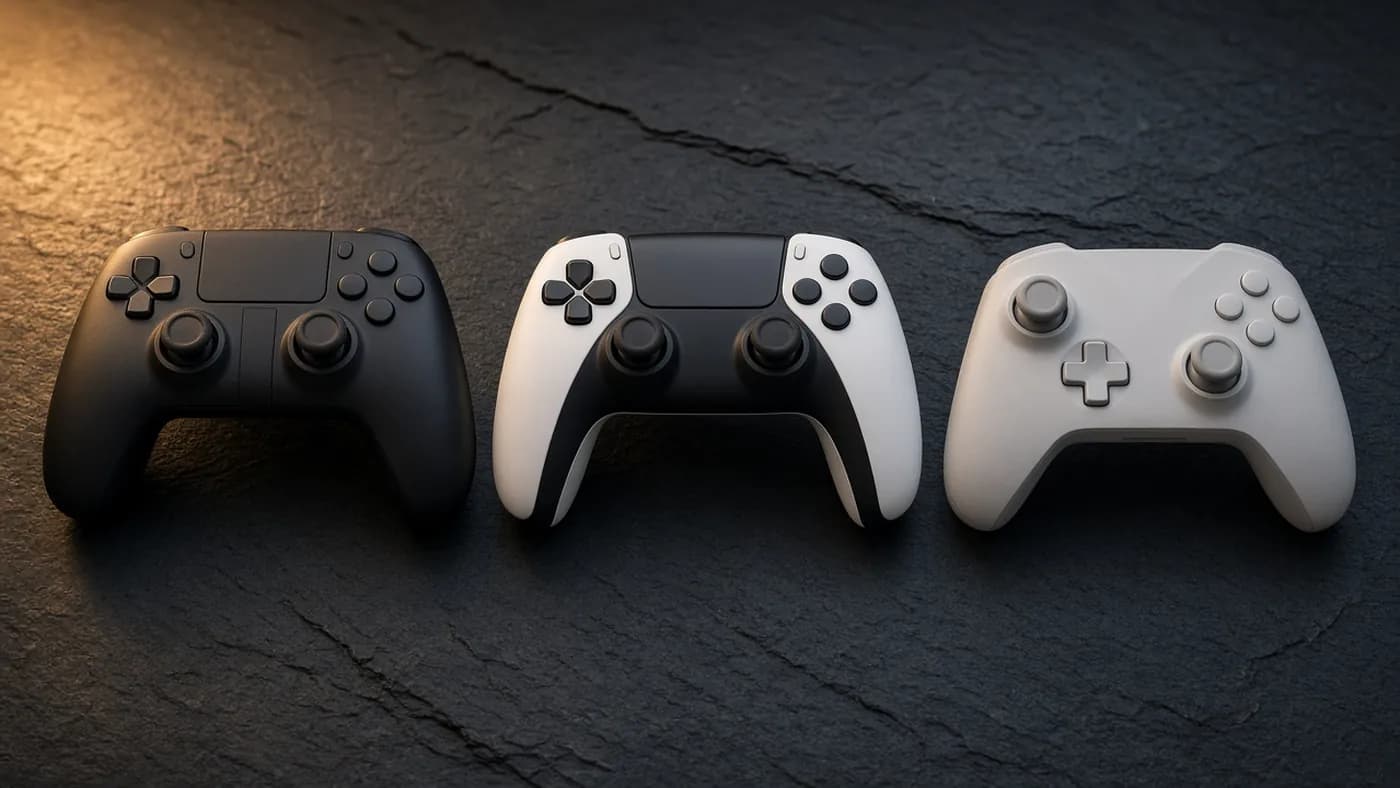
PC Gamer frames the value question well. The Steam Controller cannot match pro pads for competitive play, or budget pads for raw value. It wins on all-round utility, and how much that matters depends on how often you need a mouse from the couch.
Buy it if you play PC games on a TV or a Steam Deck and want one controller that also runs the desktop. Skip it if you mostly want a conventional pad for a desk.
If you are buying a Steam Machine, the math improves. PCMag and Tom's Hardware both list the controller bundle at $79 more than the console alone, $20 less than buying it separately.
The DualSense comparison is closer than it looks. Sony's pad also has a touchpad and gyro, and TechRadar notes the Steam Controller handles PlayStation games on PC surprisingly well. What the DualSense lacks is a second trackpad, rear buttons, and TMR sticks.
The Xbox Elite Series 2 costs nearly twice as much and brings adjustable hardware that Valve does not offer. Tom's Hardware notes that pricier pro pads also include extras like swappable sticks and carrying cases, but none of them replicate the Steam Controller's trackpad and gyro combination.
Who should buy it
The ideal buyer plays PC games on a TV, either from a Steam Machine, a living room PC, or a docked Steam Deck. For that person, being able to handle launchers, browser windows, and strategy games without reaching for a mouse is worth the premium.
Steam Deck owners get an extra benefit. Because the controller mirrors the Deck's inputs, every layout you have already tuned for the handheld carries over.
It is a weaker fit for three groups:
- Competitive players who want 1,000Hz polling, mechanical buttons, and trigger stops.
- Anyone who mostly plays on a PS5, Xbox, or Switch 2.
- PC players who launch most games through other storefronts and do not want to route them through Steam.
If you fall into one of those groups, TechRadar's pick, the 8BitDo Ultimate 2, costs $40 less and covers the basics.
FAQ
How much does the 2026 Steam Controller cost?
It costs $99 on its own through the Steam store. Bundled with a Steam Machine, it adds $79 to the price, bringing the 512GB model to $1,128.
Does the Steam Controller have stick drift?
Its TMR thumbsticks use magnetic sensing with no contacts to wear out, which is designed to prevent drift. Reviewers have praised their precision, but long-term durability data is not available yet.
Does it work on PS5, Xbox, or Switch?
No. TechRadar and Tom's Guide both describe it as a PC-focused controller that depends on Steam, and neither recommends it for console players.
How long does the battery last?
Valve rates it for more than 35 hours. PC Gamer used it for eight hours and the battery indicator was still full, and the Puck charges it whenever you set it down.
Can I use it with non-Steam games?
Yes, with some effort. You can add non-Steam games to your Steam library or use a desktop profile, but PC Gamer found games launched through the Epic Games Launcher could be unreliable.
Final Verdict
The 2026 Steam Controller is what the original should have been. The TMR sticks, compact trackpads, and gyro turn a PC into something you can genuinely run from the sofa, and the magnetic Puck is the neatest charging solution we have seen on a gamepad.
It is not for everyone. Console players, competitive players, and anyone who avoids Steam should look elsewhere. For Steam Deck owners and anyone building a living room PC, it is an easy recommendation.
Join the conversation