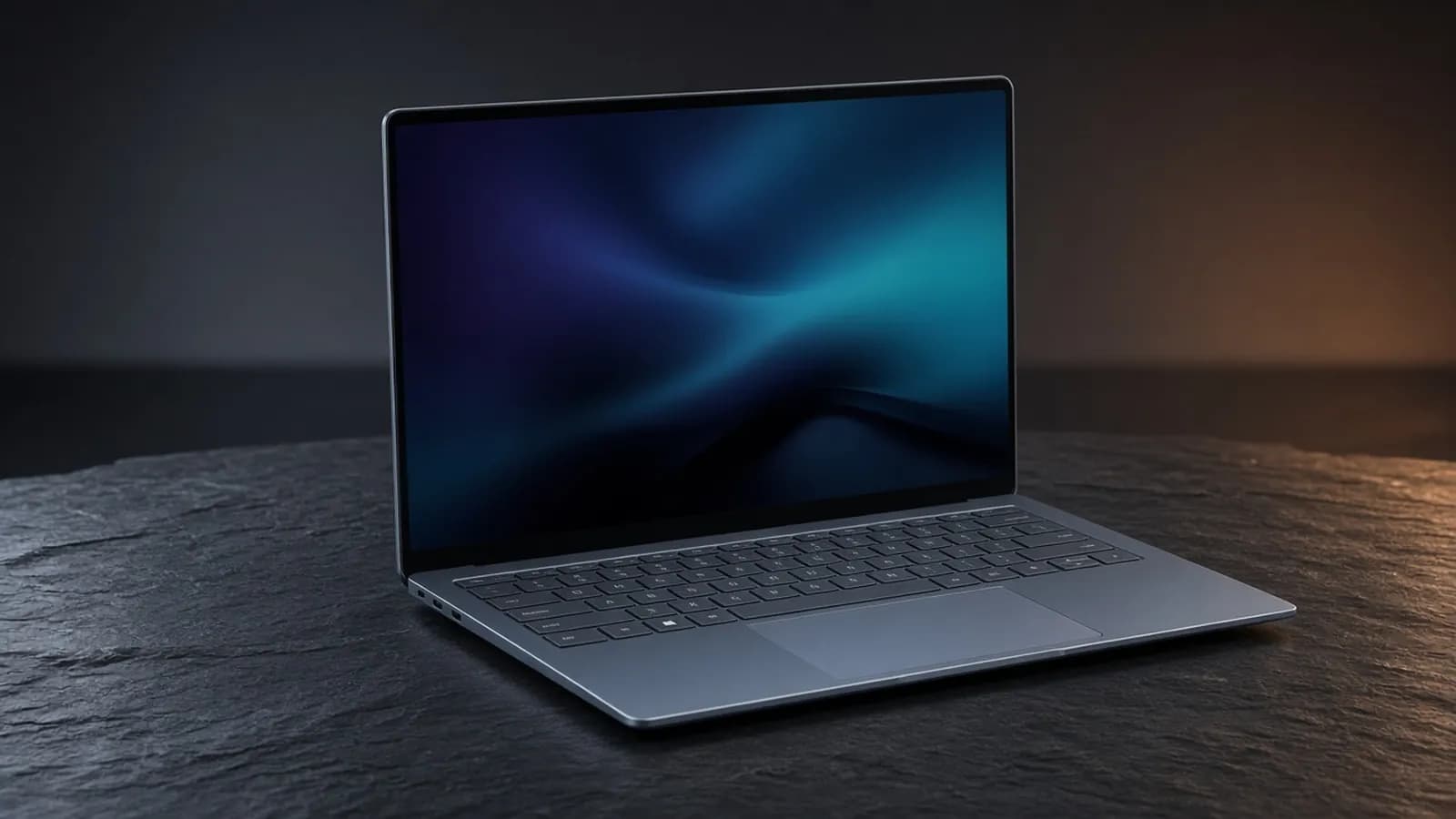
HP has spent the last few years turning the OmniBook name into its consumer flagship line, and the 2026 OmniBook Ultra 14 is the clearest statement of that ambition so far. It is thinner, lighter, and tougher than the model it replaces, and it arrives with a choice of Qualcomm Snapdragon X2 or Intel Core Ultra Series 3 "Panther Lake" silicon.
This review focuses on the Snapdragon X2 Elite version, which HP is clearly treating as the headline act. It uses an HP-exclusive variant of Qualcomm's top chip with an 85 TOPS NPU, and it went on sale in the US in early April, a few months after the Intel model.
BusiBeee did not test a unit in-house for this piece. Instead, we pulled together the specs HP publishes and the measured results from independent outlets, including Tom's Hardware, Tom's Guide, Windows Central, PCMag, and Thurrott, and weighed them against the rivals you are most likely cross-shopping.
Design and build
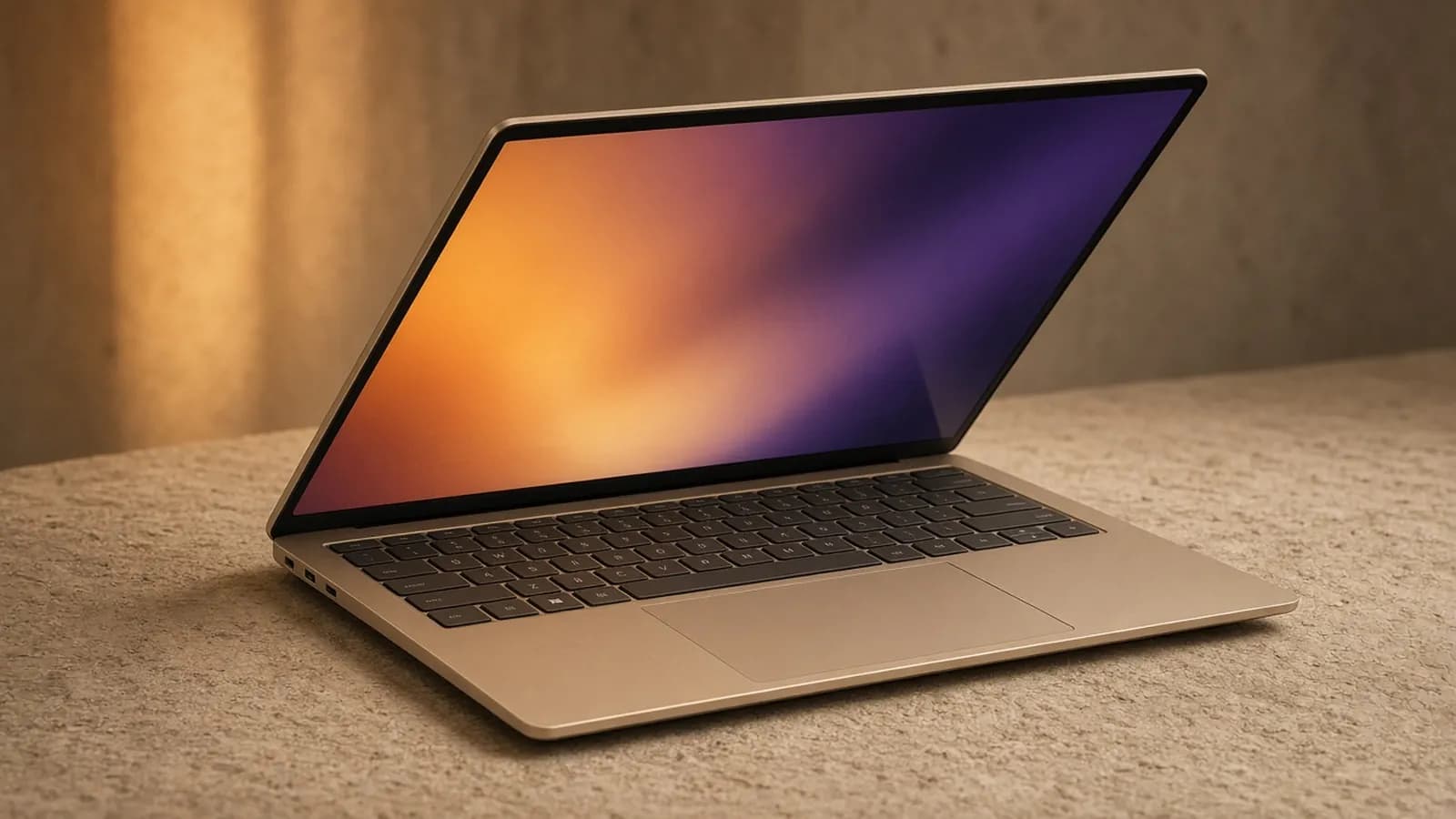
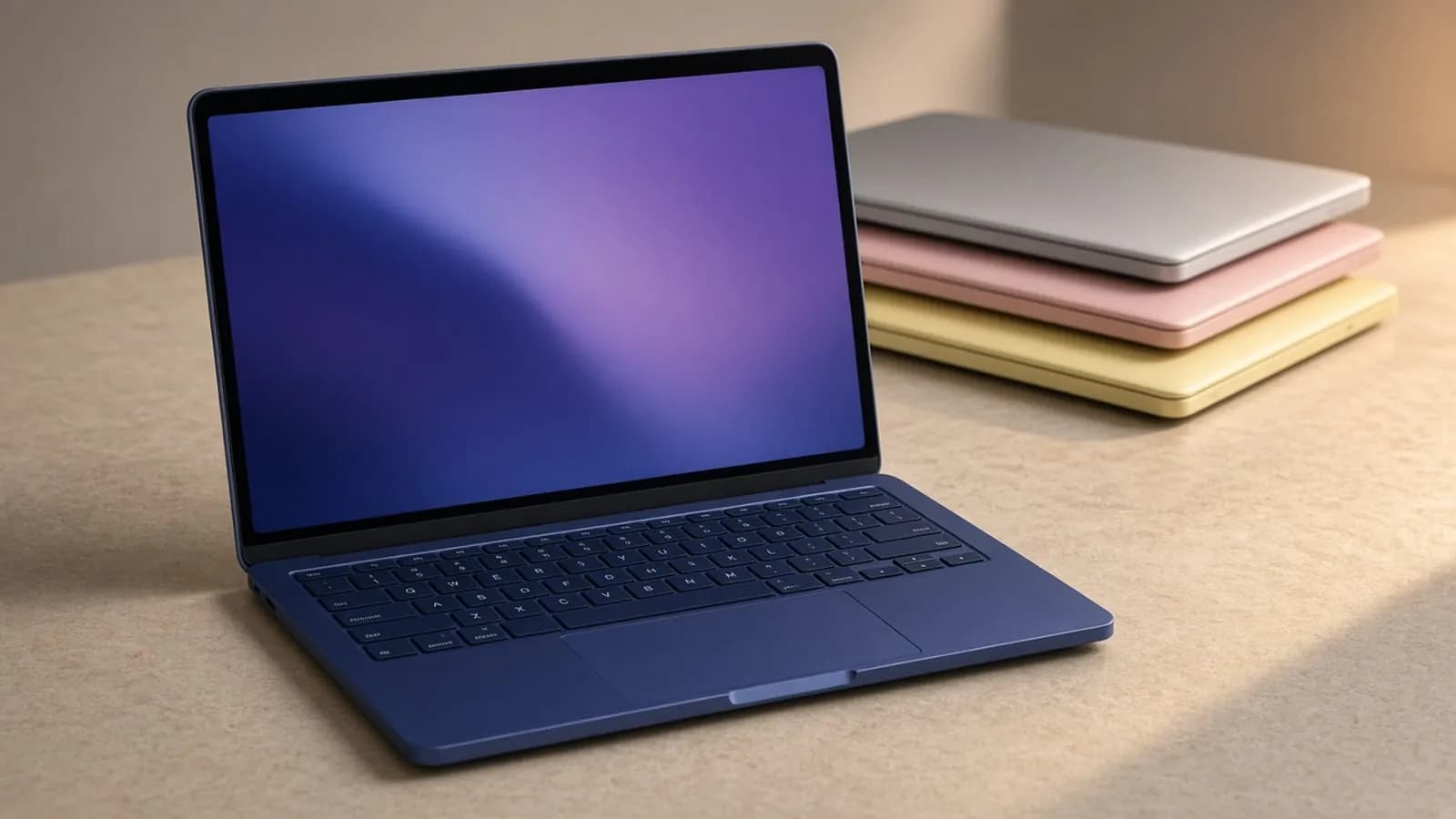
The OmniBook Ultra 14 uses a three-piece matte aluminum body with sandblasted, lightly polished edges. The Snapdragon models come in a blue-gray HP calls Stone Blue, while the Intel versions are offered in Eclipse Gray and Silk Sand.
HP lists the chassis at 12.25 x 8.49 x 0.42 inches at its thickest point, tapering to about 0.29 inches at the front. Reviewers weighed their units at roughly 2.81 to 2.83 pounds, which is comfortably under the three-pound mark that many premium 14-inch laptops still hover around.
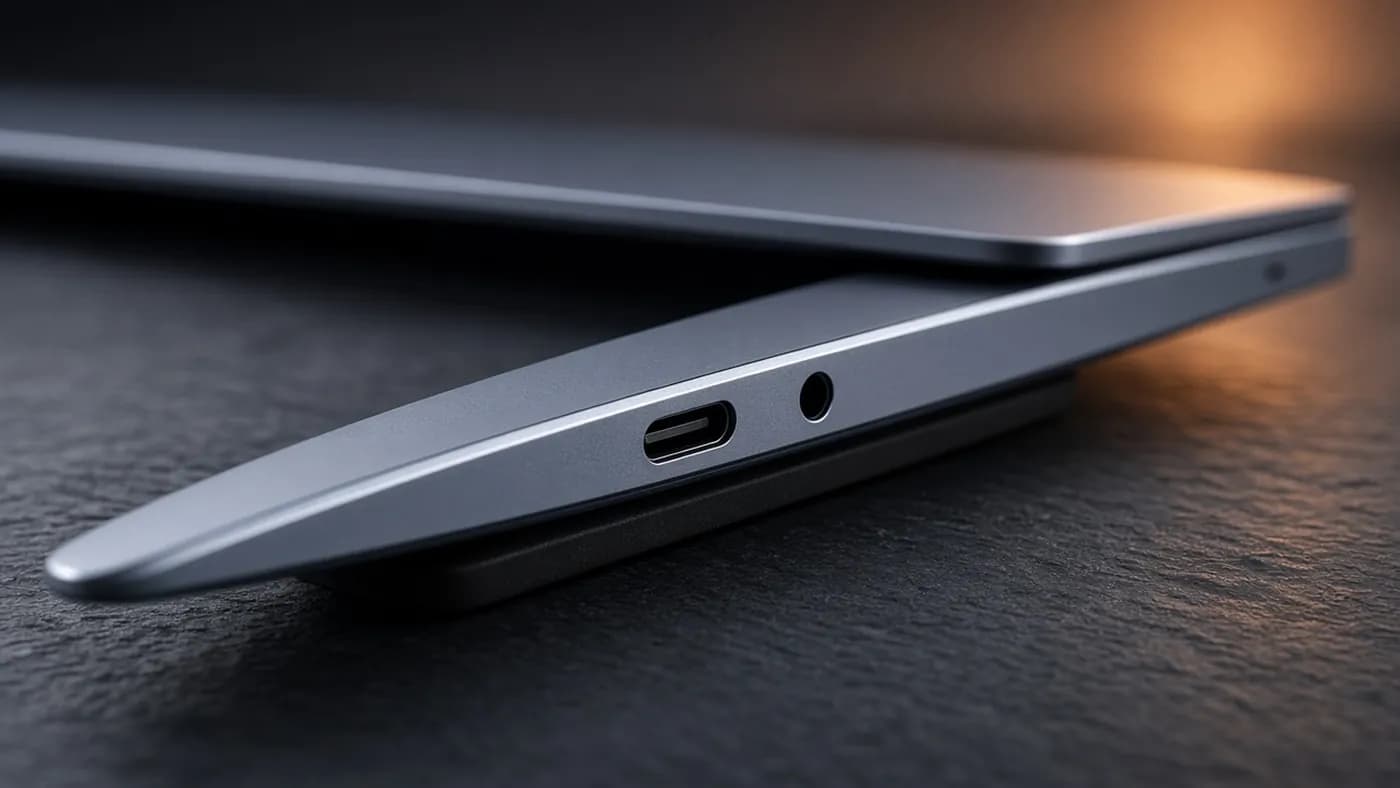
Thin rarely means tough, but HP says the laptop passed 20 MIL-STD-810H drop, shock, and temperature tests. That kind of certification is common on business laptops and still unusual on consumer machines at this thickness.
There are a few quirks. Paul Thurrott noted that the keycaps leave visible oil marks on the screen when the lid is closed, and that the display does not tilt back very far. Neither is a dealbreaker, but both are worth knowing if you are particular about a clean panel.
Serviceability is a genuine highlight. Four exposed screws hold the bottom panel, and HP says both the M.2 SSD and the battery are user-replaceable, which is rare in a laptop this slim.
Display
HP offers two 14-inch 16:10 OLED touch panels, both covered in Gorilla Glass 3 and rated for 100 percent of the DCI-P3 color gamut. The base Snapdragon X2 Plus model gets a 1920 x 1200 panel at 60Hz and 300 nits.
The X2 Elite configurations step up to a 2880 x 1800 panel with a 120Hz variable refresh rate, 500 nits for standard content, and up to 1,100 nits for HDR. Windows Central called it best in class for a touchscreen OLED, and PCMag singled it out as the laptop's standout feature.
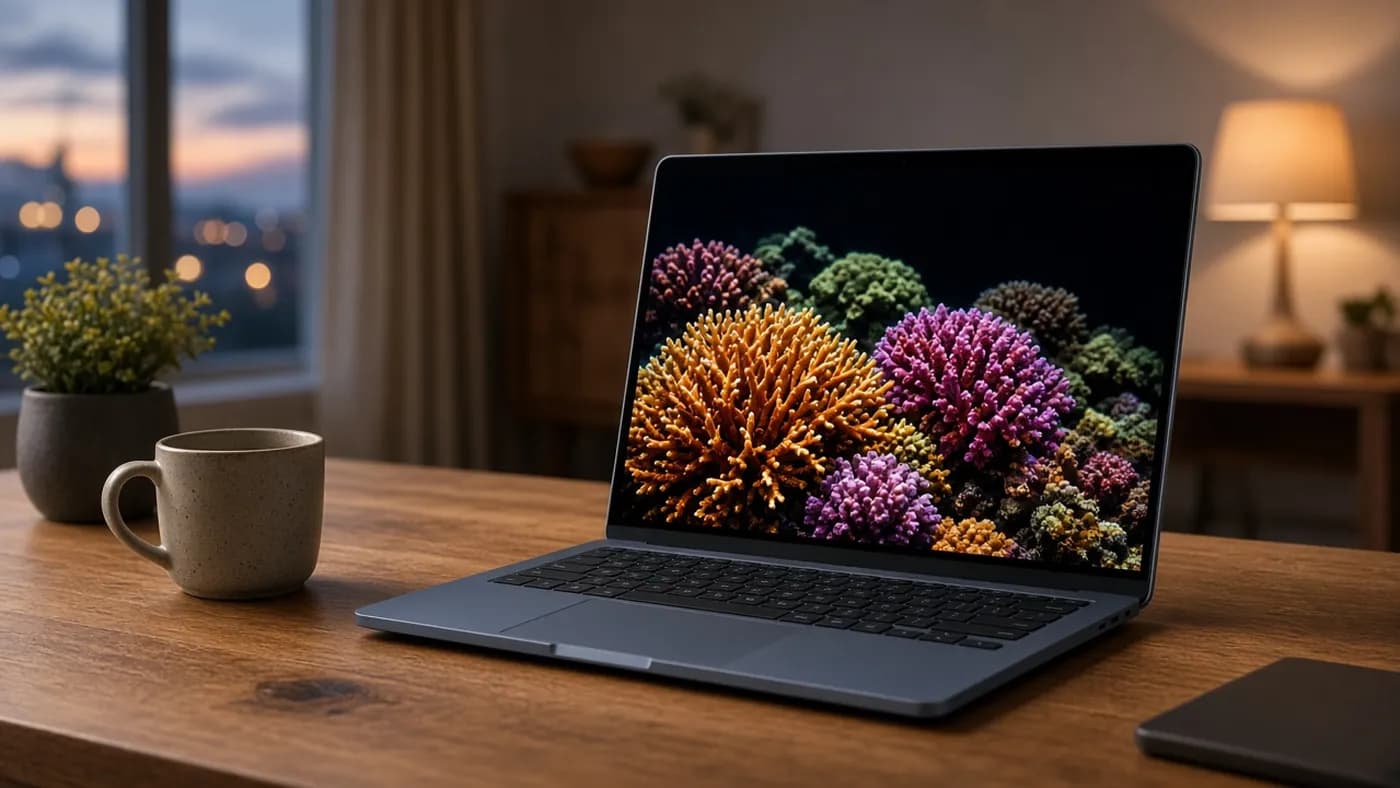
The trade-off is the usual one for glossy OLED: reflections. Tom's Guide listed the glossy finish among its complaints, and Thurrott found it manageable indoors but distracting under harsh hotel lighting.
Key takeaway: the 3K 120Hz OLED is the reason to buy this laptop over cheaper Snapdragon machines. HP charges about $70 extra for it on build-to-order models, and we would not skip it.
Performance
The OmniBook Ultra 14 can be configured with three Qualcomm chips: the 10-core Snapdragon X2 Plus X2P-64-100, the 12-core X2 Elite X2E-84-100, or the 18-core X2 Elite X2E-90-100, which boosts up to 5.0GHz. HP rates the X2 Elite versions' NPU at 85 TOPS, compared with 80 TOPS on the X2 Plus.
In Tom's Hardware's testing of a fully loaded X2E-90-100 unit with 64GB of RAM, the OmniBook posted a Geekbench 6 single-core score of 3,942 and a multi-core score of 20,075. That put it just behind the 13-inch MacBook Air M5 (4,168) on single-core, and behind the Asus Zenbook A16's X2 Elite Extreme (22,733) on multi-core.
Against x86 rivals the gap is wide. The same outlet's AMD Ryzen AI 9 HX 375 comparison system scored 2,846 single-core and 14,838 multi-core.
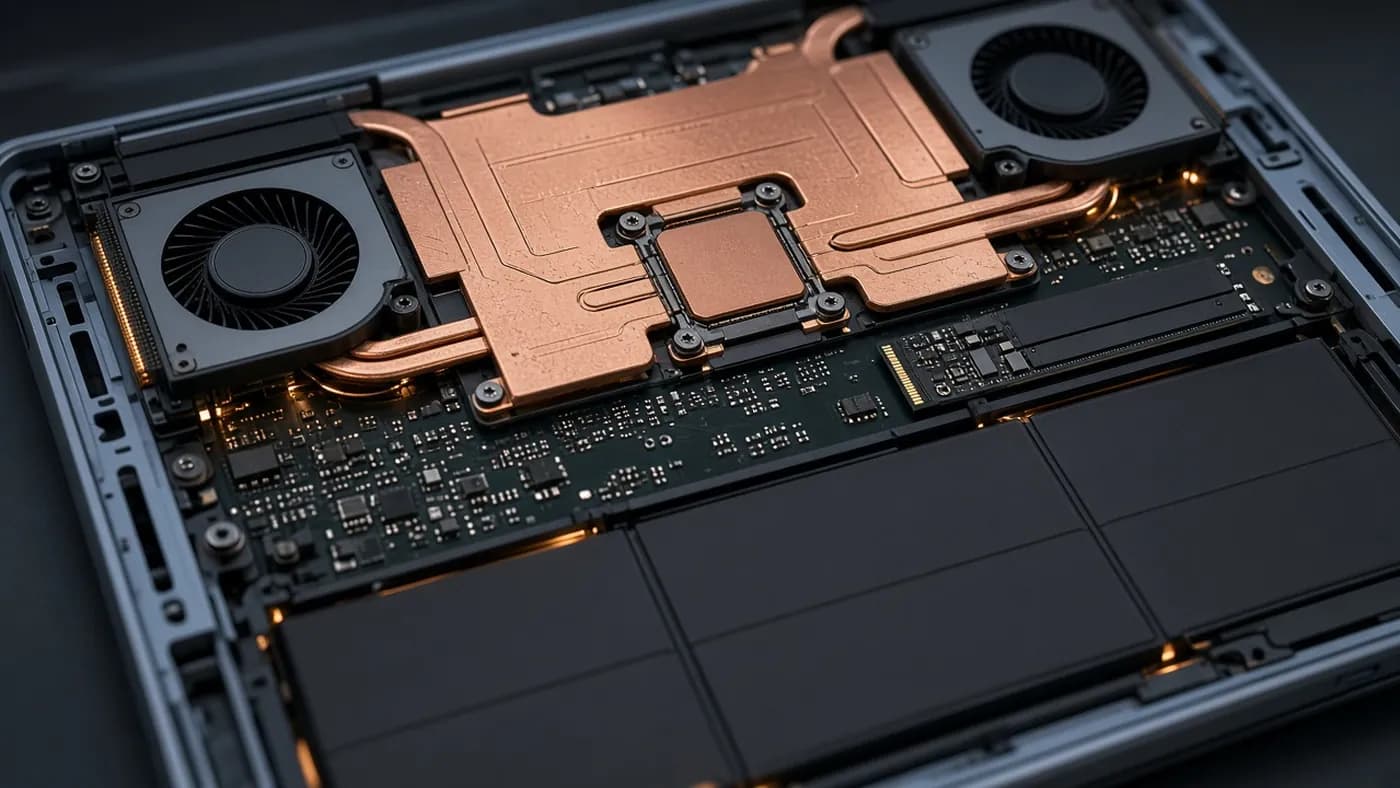
Just as important is how the laptop behaves. HP redesigned the cooling around its first compact vapor chamber and twin fans, and Thurrott reported that he never heard the fans spin up during more than a month of productivity, development, and light video work.
Thurrott also pointed out that HP's own benchmark sheet showed the Snapdragon models ahead of the Intel Panther Lake versions in most tests. Intel only pulled ahead in a couple of graphics benchmarks. That lines up with CNET's advice: pick Snapdragon for general speed and battery life, or Intel for stronger 3D graphics and zero Windows-on-Arm compatibility worries.
Windows on Arm compatibility
Windows 11 on Arm is in good shape in 2026, and Microsoft's Prism emulation handles most x86 apps. Reviewers who stuck to browsers, Office, creative apps, and developer tools, including the Windows Subsystem for Linux, reported no real problems.
The gaps are specific. Tom's Guide flagged the app support gap as an ongoing issue for some users, and anyone who depends on older peripherals, niche drivers, anti-cheat games, or specialized engineering software should confirm Arm support first.
Keyboard, touchpad, audio, and webcam
The keyboard gets some of the strongest praise in this review cycle. HP uses a latticeless design with sculpted, deeply dished keys, and Thurrott called it among the best he has ever used.
The backlight has only two manual levels and no automatic mode, and PCMag noted that the white backlighting lacks contrast against the light keycaps. The glass haptic touchpad is large for a 14-inch laptop and was well received.
Audio comes from four downward-firing speakers, two tweeters and two woofers, tuned with HP Audio Boost and Poly Studio. PCMag rated both the speakers and the 5MP webcam as excellent, and the camera supports the full suite of Windows Studio Effects.
Sign-in uses Windows Hello facial recognition with Enhanced Sign-in Security. There is no fingerprint reader, but there is a physical webcam privacy switch and a microphone mute key.
Battery and charging
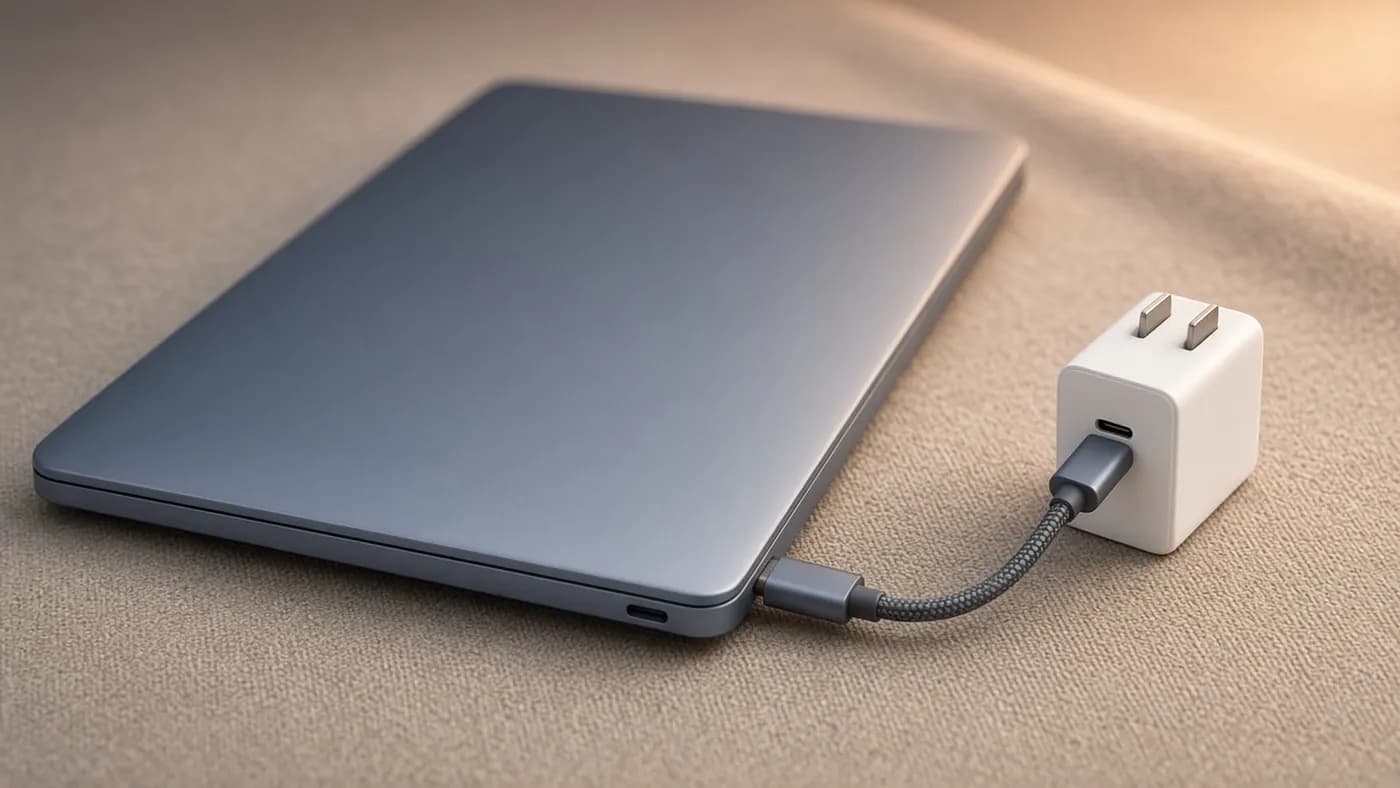
The OmniBook Ultra 14 uses a 70Wh battery and ships with a compact 65W GaN USB-C charger with folding prongs. According to Thurrott, it brings the battery to roughly 50 percent in about 45 minutes.
HP's marketing claims run as high as 44 hours, but independent tests vary a lot depending on method:
| Outlet | Test type | Result |
|---|---|---|
| Tom's Hardware | Web, video, and WebGL at 150 nits | 13 hr 27 min |
| Tom's Guide | Web surfing at 150 nits | 13 hr 27 min |
| Windows Central | Controlled battery test | About 22 hr |
| Thurrott | Real-world average over six weeks | Almost 11 hr |
Context matters here. Tom's Hardware noted the OmniBook outlasted the Zenbook A16 by about three hours and its own predecessor by over half an hour, but still trailed the 13-inch MacBook Air M5 at 15 hours 28 minutes.
Tom's Guide was the most critical, pointing out that 13-plus hours is below average for a Snapdragon laptop. We think that is fair, but in practice every outlet agreed the OmniBook gets through a full workday with room to spare.
Software and security
The OmniBook is a Copilot+ PC, so it gets Recall, Click to Do, and the local AI features in Photos, Paint, and Notepad. The 85 TOPS NPU leaves plenty of headroom as more apps start using on-device models.
The software load is less premium. Thurrott documented McAfee, HP TV+, the Omni+ password manager, and promotional links for Adobe, Booking.com, and Dropbox. Most of it uninstalls easily, though McAfee needs a reboot.
If you buy one, here is what we would change first:
- Uninstall McAfee through Control Panel, then remove HP TV+, Omni+, and the promotional app links.
- Switch the display to 120Hz variable refresh in Windows display settings.
- Pick a color profile in the HP app, such as P3 D65 for photo and video work.
- Review the presence-sensing options and turn off any that feel intrusive.
- Run Windows Update and HP's driver updates before installing your apps.
How it compares
Pricing is the OmniBook's biggest weakness. The base Snapdragon X2 Plus model with 16GB of RAM, 512GB of storage, and the 1920 x 1200 panel starts at $1,899. Best Buy launched an X2 Elite configuration with 32GB, 1TB, and the 3K OLED at $2,049.99, while HP's own X2 Elite builds have been listed from $2,399.
Thurrott found that a fully upgraded model can approach $3,700, and Tom's Guide's top review configuration was priced around $3,600. Sales are common, and Tom's Hardware spotted an X2 Elite, 32GB, 512GB, 3K OLED configuration at $1,719.99.
The Intel Panther Lake version is also worth a look. HP has listed it from $1,699.99 with a Core Ultra 7 365H, 16GB of RAM, 512GB of storage, and the 3K OLED, and PCMag's Core Ultra X9 388H unit ran 24 hours 31 minutes in its video playback test.
| HP OmniBook Ultra 14 (X2 Elite) | MacBook Air 13 (M5) | Dell XPS 14 (2026) | Asus Zenbook A16 | |
|---|---|---|---|---|
| Starting price | $1,899 (X2 Plus) | $1,299 | $1,599.99 at launch | $1,699.99 |
| Processor | Snapdragon X2 Elite | Apple M5 | Intel Core Ultra Series 3 | Snapdragon X2 Elite Extreme |
| Display | 14-inch 3K 120Hz OLED | 13.6-inch LCD | 14-inch, OLED optional | 16-inch 3K 120Hz OLED |
| Tom's Guide battery test | 13 hr 27 min | 15 hr 28 min | 12 hr 19 min (Core Ultra X7) | 10 hr 34 min |
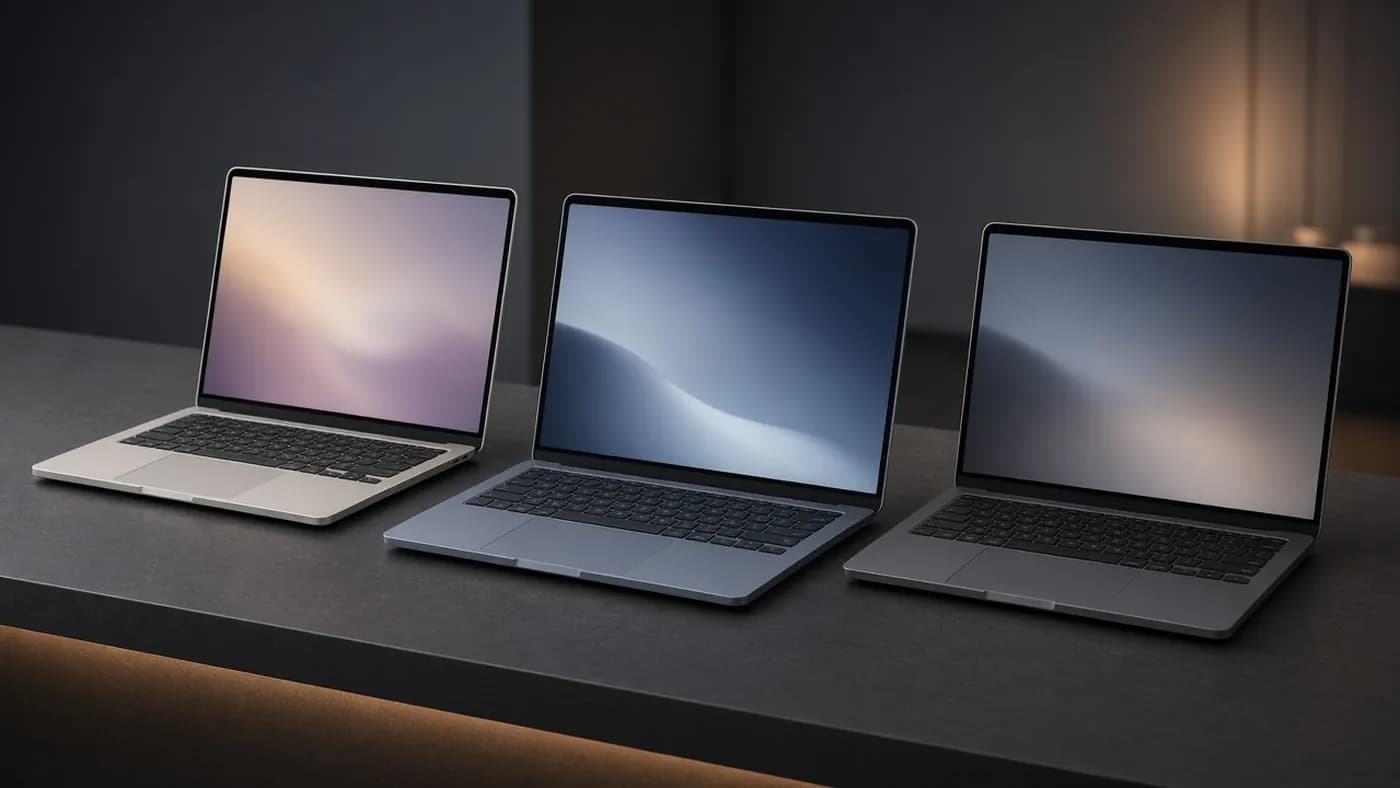
The MacBook Air M5 is cheaper, faster in single-core work, and longer lasting, but it runs macOS, lacks a touchscreen, and uses an LCD rather than OLED. The Dell XPS 14 is the strongest x86 alternative, and the Zenbook A16 gives you a much bigger screen and more memory for the money at the cost of battery life.
Who should buy it
The OmniBook Ultra 14 is for Windows users who want a premium, quiet, all-day laptop with a top-tier display and keyboard, and who do not rely on legacy x86 software or games.
It is a harder sell at full list price. If you are budget-conscious, wait for one of HP's or Best Buy's frequent sales, or consider the Intel model if you need broader compatibility or better integrated graphics.
Key takeaway: the 32GB, 3K OLED Snapdragon X2 Elite configuration is the sweet spot. Upgrading to 64GB and 2TB adds a lot of cost for gains most buyers will never notice.
FAQ
Is the Snapdragon or Intel version of the OmniBook Ultra 14 better?
For most people, Snapdragon. HP's own figures and independent reviews show it ahead in general CPU performance, and it runs cool and quiet.
Choose the Intel Core Ultra Series 3 version if you need guaranteed x86 compatibility, play games, or want stronger integrated graphics.
How long does the HP OmniBook Ultra 14 battery last?
Independent results range from about 11 hours in Thurrott's real-world use to about 22 hours in Windows Central's controlled test. Tom's Hardware and Tom's Guide both measured 13 hours 27 minutes in web-based tests at 150 nits.
Can you upgrade the RAM or storage?
The RAM is soldered and cannot be upgraded, so choose carefully at purchase. The SSD is a standard M.2 PCIe Gen 5 drive that you can replace, and HP says the battery is user-replaceable as well.
Does the OmniBook Ultra 14 have USB-A or HDMI?
No. You get three 40Gbps USB-C ports, one on the left and two on the right, plus a headphone jack. Budget for a small dock or adapter if you use older accessories or an HDMI display.
Final Verdict
The HP OmniBook Ultra 14 gets most of the important things right: a stunning 3K OLED, an excellent keyboard, a thin and durable chassis, and Snapdragon X2 Elite performance that stays quiet under load. Its battery life is very good rather than class-leading, and its pricing climbs quickly with upgrades.
If you can find the 32GB, 3K OLED model on sale, this is one of the best Windows laptops of 2026. At full price with maximum upgrades, the MacBook Air and Dell XPS 14 deserve a hard look first.
Join the conversation